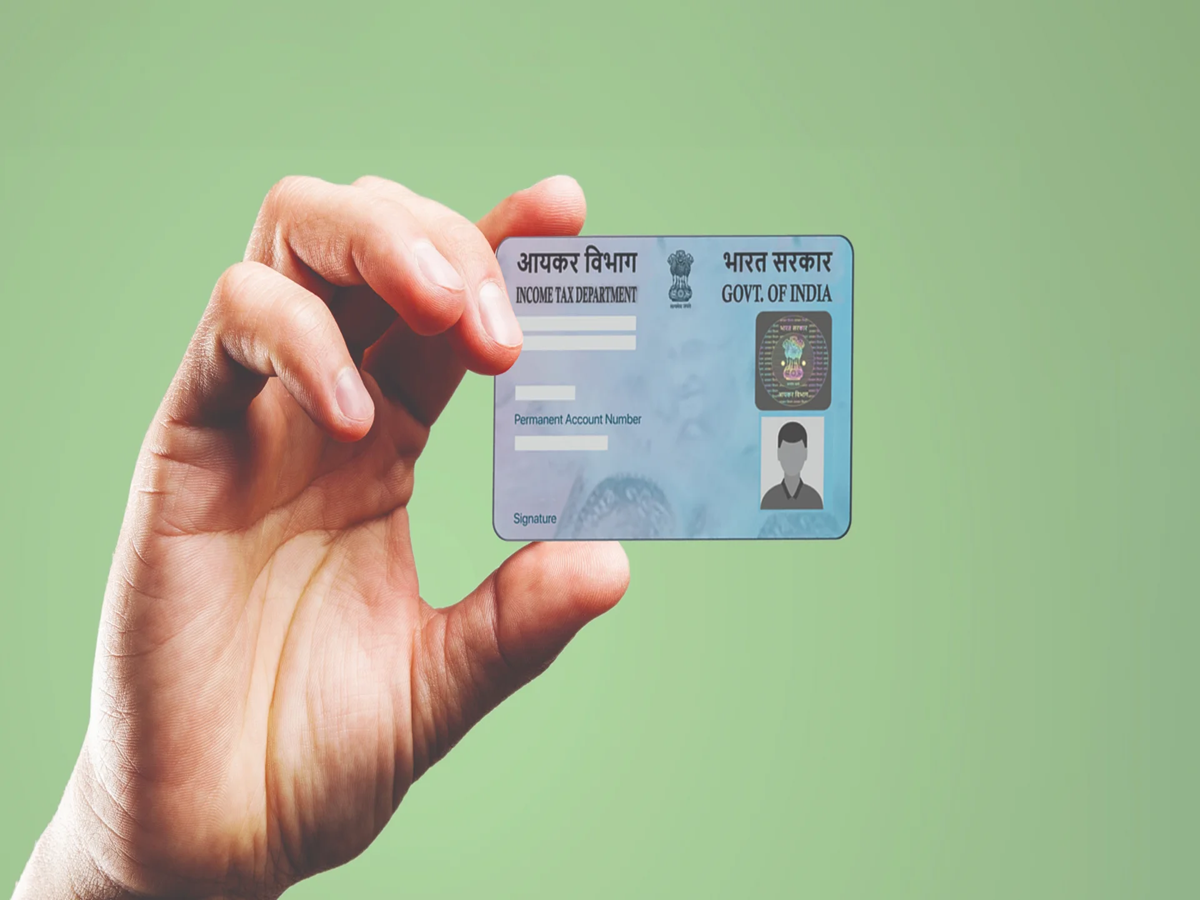
Many people find it difficult to determine which mobile number is registered with their Aadhaar card—especially if they have changed the number they had been using for a long time, or if they use multiple mobile numbers. To address this, the UIDAI has provided information—in response to a user's query—about a feature available on its official portal that can help identify the mobile number linked to an Aadhaar account.
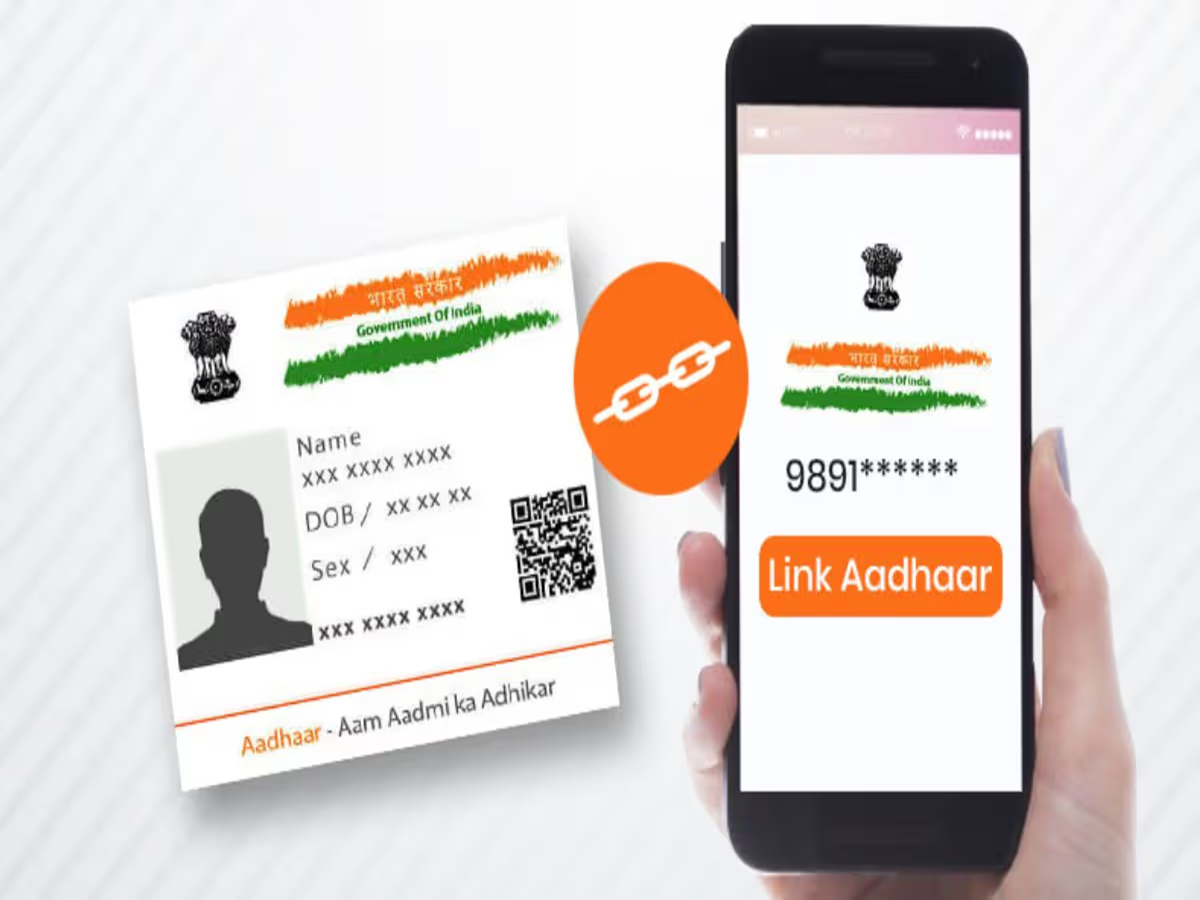
What did the UIDAI tell the user?
A user asked the UIDAI which mobile number was linked to their Aadhaar card. In response, the UIDAI suggested using the 'mobile number verification' feature available on the 'MyAadhaar' portal and shared the official link for it.
Through this feature, a user can check whether a specific mobile number is already verified in their Aadhaar records. However, it is important to note that this process does not guarantee that the full registered mobile number will be explicitly displayed.
How can you check the mobile number linked to your Aadhaar?
If you are unsure about which mobile number is linked to your Aadhaar, follow the steps below:
1. First, visit the official UIDAI portal: https://myaadhaarbeta.uidai.gov.in/verify-email-mobile/en/mobile
2. Enter your Aadhaar number (UID).
3. Next, enter the mobile number that you suspect might be linked to your Aadhaar.
4. Enter the captcha code shown on the screen and click on 'Send OTP'.
5. Once you receive the OTP on your mobile, enter it in the designated field and complete the remaining steps.
PC Social Media