Business
PAN Card: Lost your PAN card? Here’s the easiest way to get a new one from the comfort of your home..
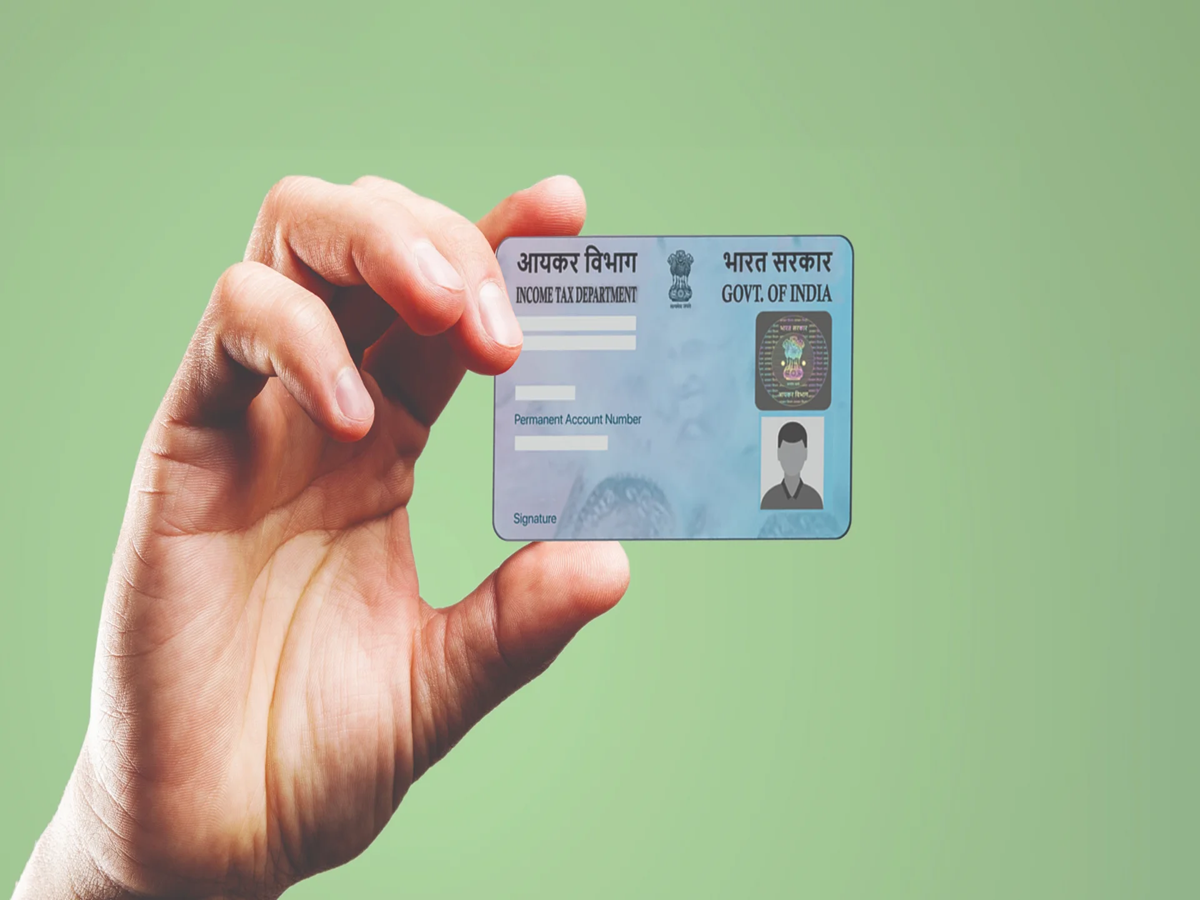
A PAN card has become an essential document today. No significant financial transaction or task can be completed without one. If you have not yet obtained a PAN card, or if you have lost yours, you can get one made today from the comfort of your home. The best part is that you do not need to visit any office; you can easily apply for a PAN card from home. Let’s take a look at the step-by-step process.
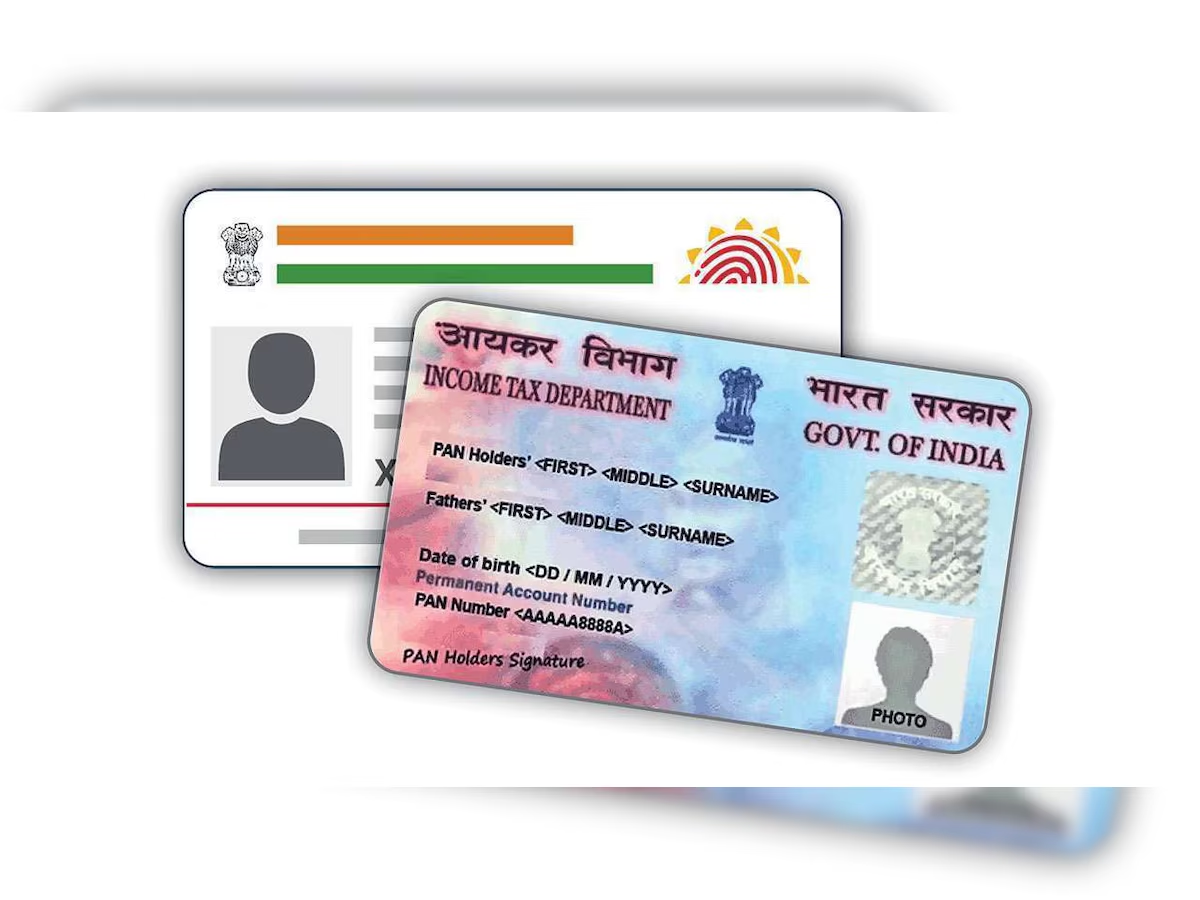
How to apply for a PAN card online?
Step 1- First, visit the NSDL or UTIITSL website.
Step 2- If you are visiting the website for the first time, register yourself.
Step 3- Log in using your credentials.
Step 4- Look for the "Request for New PAN Card" option and click on it. Select the "Indian Citizen" category.
Step 5- Choose "Individual" as the category.
Step 6- Enter the required basic details, such as your name, email address, mobile number, etc.
Step 7- Scan and submit the required documents.
Step 8- Make the necessary payment.
Step 9- Finally, you will be provided with a tracking number to check the status of your application. Keep it safe.
If any errors occur while applying for your PAN card, you can also get them corrected online.
How to correct errors?
Step 1- First, visit the official Income Tax website.
Step 2- Log in by entering your PAN card number and the other requested information.
Step 3- Once logged in, click on the option for PAN card correction.
Step 4- Select the specific information that needs to be corrected.
Step 5- Enter your PAN card number, provide the necessary details, and upload the required documents. Step 6 - After this, you will need to pay the required fee.
Step 7 - Finally, submit your application and make a note of the tracking number.
PC Social Media