
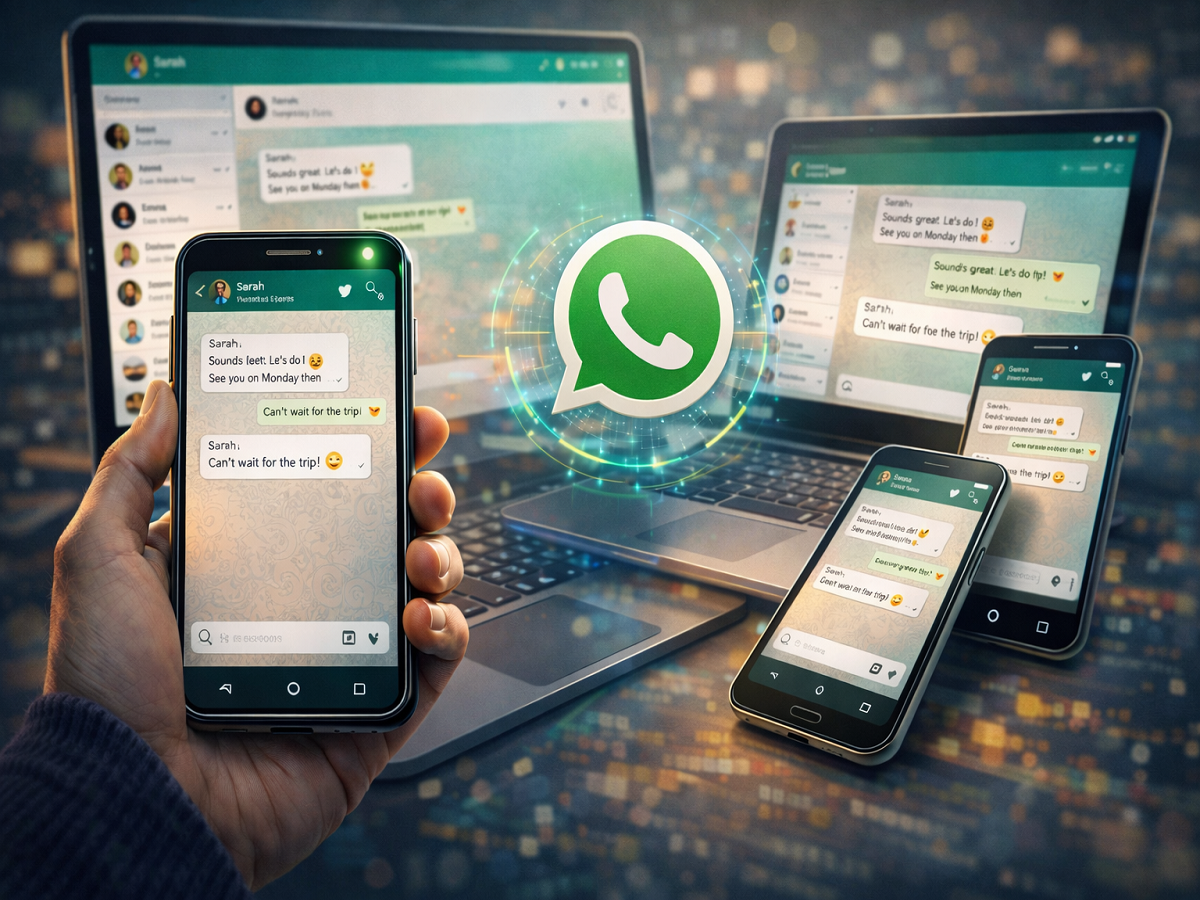
The popular messaging platform WhatsApp has introduced a convenient feature that allows users to access their accounts on multiple devices simultaneously. This update has been highly anticipated by users who often switch between phones, tablets, and computers during the day.
With the multi-device capability, users can now link their WhatsApp account to several additional devices while maintaining the same level of privacy and security that the app is known for. The feature ensures that chats, media files, and calls remain protected with end-to-end encryption, even when accessed from different devices.
This update makes communication more flexible, allowing users to continue conversations seamlessly across multiple platforms without constantly logging in or out.
What Is WhatsApp’s Multi-Device Feature?
The multi-device feature allows users to link their primary WhatsApp account to up to four additional devices. These devices can include smartphones, tablets, desktops, or laptops.
Once connected, each linked device operates independently while still syncing with the main account. This means you can continue chatting from any linked device even if you switch from one device to another.
For example, you could start a conversation on your smartphone and later continue it on your tablet or computer without interruption.
Key Benefits of Using WhatsApp on Multiple Devices
This feature brings several advantages for everyday users as well as businesses.
Access the Same Account on Multiple Devices
Users can link up to four companion devices to their primary WhatsApp account.
Independent Device Connection
Linked devices connect independently to WhatsApp servers, which means they do not rely entirely on the primary phone once connected.
End-to-End Encryption Maintained
All personal messages, media files, and calls remain protected through end-to-end encryption.
Seamless Device Switching
Users can move between devices without logging out or losing their conversations.
Helpful for Business Users
Businesses using WhatsApp Business can respond to customers from multiple devices under the same account.
Important Things to Know
Before using this feature, keep the following points in mind:
- A WhatsApp account can be linked to up to four additional devices.
- Linked devices stay connected even if the primary phone is not actively being used.
- If the primary device remains inactive for a long time, WhatsApp may automatically log out the companion devices for security purposes.
- The feature initially rolled out for Android devices, with broader support expanding gradually.
Step-by-Step: How to Use WhatsApp on Multiple Devices
If you want to use the same WhatsApp account across different devices, follow these steps:
Step 1: Install WhatsApp on the Second Device
Download and install WhatsApp on the smartphone, tablet, laptop, or computer where you want to use the account.
Step 2: Select “Link a Device”
Instead of registering with a new phone number, choose the “Link a Device” option on the login screen.
Step 3: Open WhatsApp on Your Primary Phone
Go to the WhatsApp application installed on your main smartphone.
Step 4: Access Linked Devices Settings
Tap Settings and select the Linked Devices option.
Step 5: Scan the QR Code
Scan the QR code displayed on the second device using your primary phone.
Once the QR code is scanned, the second device will automatically connect to your WhatsApp account.
Warning About Frequent Device Switching
WhatsApp advises users not to repeatedly switch their accounts between devices within a short period of time. Excessive switching may trigger security checks, which could temporarily block account verification.
To avoid this issue, only link devices when necessary and avoid constant device changes.
The ability to use WhatsApp on multiple devices has significantly improved the messaging experience for millions of users. Whether you are working on a laptop, using a tablet at home, or switching between phones, the multi-device feature ensures your conversations remain accessible and secure.
With strong encryption and seamless synchronization, WhatsApp continues to expand its capabilities while keeping user privacy a priority.