Business
Aadhaar-UAN Link: Is your PF stuck? Link your UAN and Aadhaar in five minutes using the UMANG app; here’s the easy way to do it..

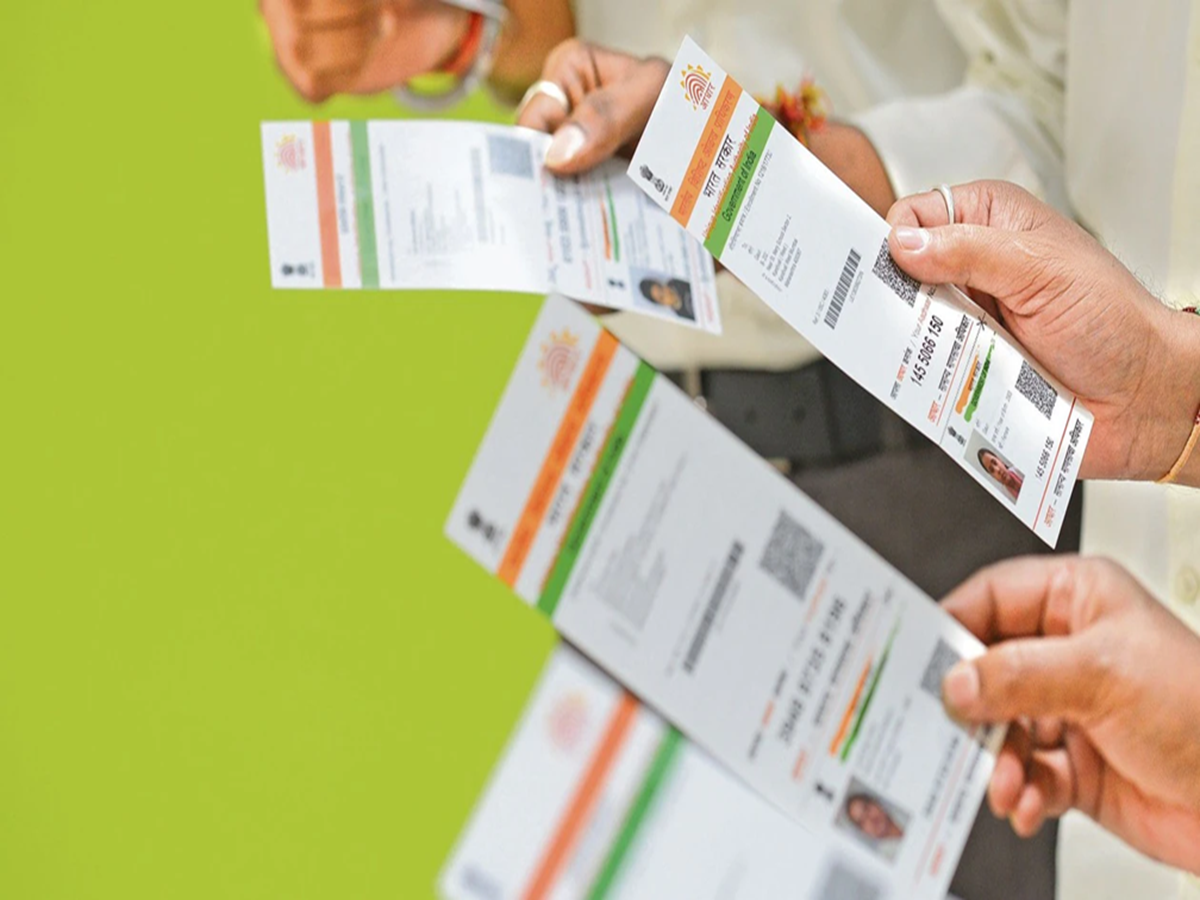
Aadhaar Seeding Process: If you are a salaried employee and have PF deductions, this information will be useful to you. To make services digital and secure, the EPFO has made linking your identity document (Aadhaar) with your UAN mandatory. If the two are not linked, you may face disruptions later when trying to access services like PF withdrawal, transfer, or checking your online passbook. The good news is that you do not need to make multiple trips to an office for this; you can complete the process in five minutes using the UMANG app. Here is how.
How to link Aadhaar with UAN using the UMANG app?
First, download the UMANG app and log in. Then, navigate to the EPFO section on the home screen.
In the EPFO section, tap on 'eKYC Services' and select the 'Aadhaar Seeding' option.
Enter your UAN and complete the verification process using the OTP sent to your registered mobile number.
Now, enter your 12-digit Aadhaar number. Submit the request after entering the OTP sent to the mobile number linked to your Aadhaar. EPFO will then verify your details. Once verification is complete, your Aadhaar will be linked to your UAN.
What are the benefits of linking Aadhaar?
Linking these two accounts offers several conveniences to salaried employees:
Easy online PF claims: Whether withdrawing a PF advance or claiming the full amount, the process is completed quickly and digitally without hurdles.
Accurate records and enhanced security: The member's identity is verified, eliminating the scope for account discrepancies or fraud.
Instant access to digital services: Viewing the online PF passbook, tracking claim status in real-time, and accessing other features becomes easy.
Easy transfer upon changing jobs: Transferring and managing your old PF balance in a new account becomes seamless when joining a new company. Keep these points in mind
Before initiating the linking process, please review the following points to avoid any issues:
Your UAN must be active.
Your name, date of birth, and gender must match exactly across your UAN records and identity document.
It is mandatory to have an active mobile number linked to your Aadhaar, as the OTP for verification is sent to that specific number.
Always use the latest version of the UMANG app on your smartphone and ensure you have a stable internet connection.
What to do if you face issues with linking?
If your request is repeatedly rejected, first verify whether your personal details match across both documents. If there are discrepancies in your name or spelling, get them corrected first.
If you are not receiving the OTP due to network issues or if the server is busy, wait for a while and try again.
PC Social Media