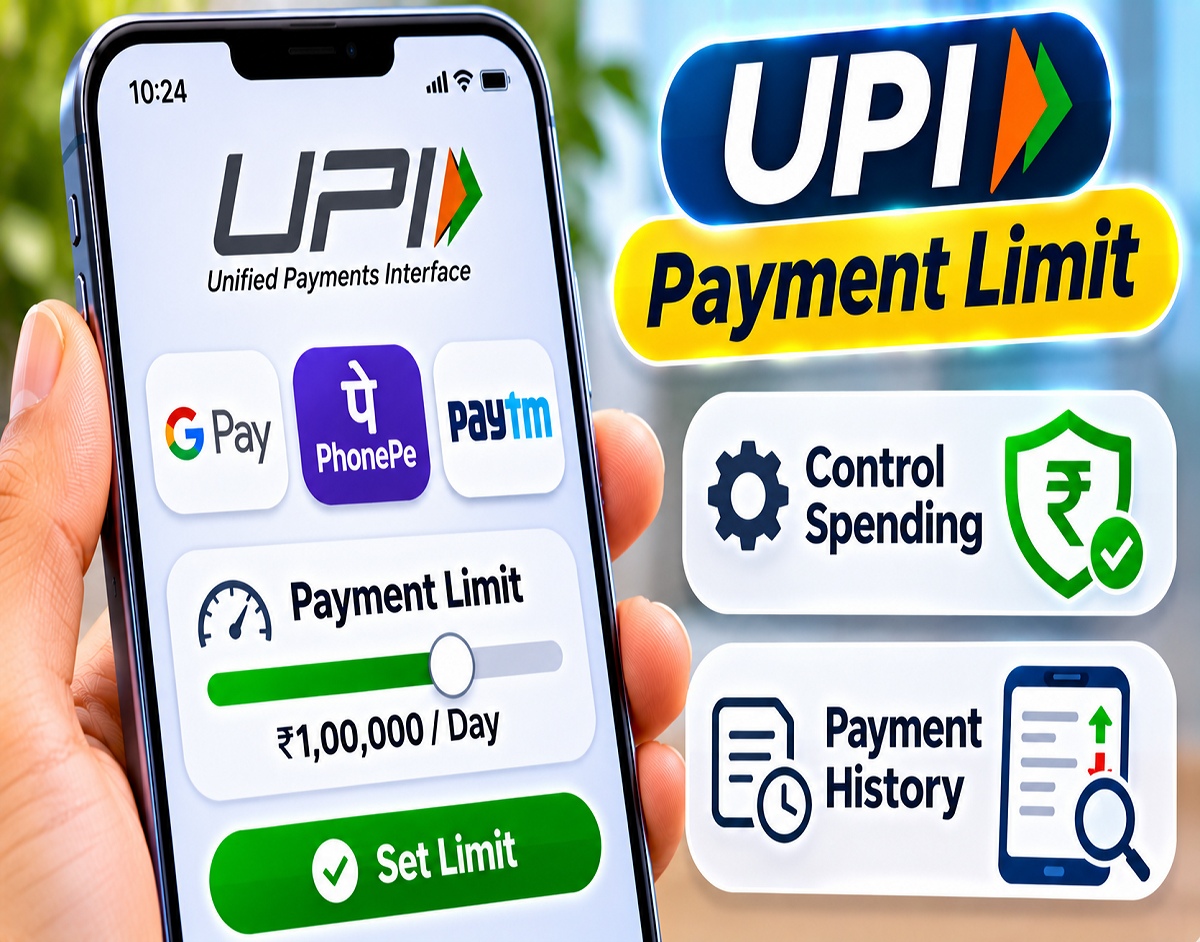
UPI Spending Limit 2026: Digital payments have made shopping and everyday transactions faster, but frequent small payments can make it difficult to track monthly expenses. Whether you use Google Pay, PhonePe or Paytm, understanding UPI transaction limits and regularly reviewing your payment history can help you manage your money more effectively.
During festive shopping, spending on clothes, electronics, gifts, groceries and dining can quickly add up. While UPI apps make payments convenient, they do not necessarily provide a universal option for setting a personalized daily spending cap.
According to a Gadgets Now report, users can manage their expenses by checking bank-specific UPI limits, using UPI Lite for smaller transactions and monitoring payment records.
However, an official UPI transaction limit is different from a personal shopping budget. Understanding this distinction is essential before attempting to control spending.
What Is a UPI Spending Limit?
A UPI transaction limit is the maximum amount permitted for a transaction or within a specified period under the applicable payment network and bank rules.
For many standard person-to-person UPI transactions, the commonly applicable maximum is ₹1 lakh per transaction. However, individual banks may impose lower limits.
Certain verified merchant categories may qualify for higher limits under applicable National Payments Corporation of India (NPCI) rules.
A personal spending limit, on the other hand, is the amount you voluntarily decide to spend.
For example, if you set a monthly shopping budget of ₹15,000, that is your personal financial target, not an official UPI transaction restriction.
Not every UPI application allows users to enforce such a budget automatically.
How to Check or Manage UPI Limits Through Your Bank
Some banks provide options for customers to review or modify UPI transaction limits through their mobile banking applications.
The Gadgets Now report mentions Axis Bank's UPI Limit Management feature as an example.
If your bank provides a similar facility, follow these steps:
- Open your bank's official mobile banking application.
- Sign in securely.
- Find UPI Settings, Payment Settings or Transaction Limits.
- Review the available limits for person-to-person and merchant payments.
- If a custom limit option is available, select the amount you prefer.
- Complete the required verification and confirm the change.
The available settings and permitted limits depend on the bank.
Some banks may allow customers to reduce their transaction limits, while others may only display the applicable restrictions.
Can You Set a Daily Spending Limit on Google Pay?
Google Pay transactions are subject to the applicable bank and UPI network limits.
However, a universal feature allowing every Google Pay user to set a personalized daily spending budget is not established.
If you want to restrict the amount you can transfer, check whether your linked bank offers UPI limit management.
You can also review your Google Pay transaction history to monitor expenses.
A spending target recorded separately is useful for budgeting, but it does not automatically prevent further payments.
Use UPI Lite to Manage Small Daily Payments
UPI Lite is designed for eligible low-value payments.
It allows users to maintain a separate balance for small transactions, reducing the need to use their primary UPI payment flow for every purchase.
For example, you could allocate ₹1,000 to UPI Lite for small daily purchases.
Once that balance is exhausted, you would need to add more money before continuing to use it.
This can make spending easier to monitor, but UPI Lite is not a mandatory spending cap. Users can add funds again, subject to the applicable rules.
What Are the UPI Lite Limits?
The supplied report lists the following limits for UPI Lite:
| UPI Lite Feature | Reported Limit |
|---|---|
| Maximum balance | ₹5,000 |
| Maximum single transaction | ₹1,000 |
| Total payments within 24 hours | ₹10,000 |
These figures describe reported service limits, not recommended spending amounts.
Actual availability and transaction restrictions should be checked against the current rules displayed by your bank and UPI application.
How to Activate UPI Lite on Google Pay
If UPI Lite is available for your account and linked bank, you can check the activation option within Google Pay.
Step-by-step process:
- Open the Google Pay application.
- Tap your profile picture.
- Find the UPI Lite option.
- Select an eligible linked bank account.
- Enter the amount you want to add.
- Complete the required authentication.
- Once activated, use the available balance for eligible small payments.
The exact process may differ depending on the application version and supported bank.
How to Check UPI Payment History on Google Pay, PhonePe and Paytm
Reviewing transaction history is one of the simplest ways to understand where your money is going.
| UPI Application | Where to Check Payment History |
|---|---|
| Google Pay | Transaction History |
| PhonePe | History section |
| Paytm | Balance & History |
Payment records generally display information such as the transaction amount, date, recipient, status and reference number.
Some applications may also provide filters for reviewing transactions.
Checking these records regularly can help identify unnecessary spending, duplicate payments or unfamiliar transactions.
Can You Track Payments From Multiple UPI Apps in One Place?
If you use Google Pay, PhonePe and Paytm, each application generally displays transactions initiated through its own interface.
Therefore, checking only one app may not give you a complete picture of your spending.
Your bank statement can provide a broader view of payments made from the linked bank account, including transactions initiated through different UPI applications.
If you use multiple bank accounts, review the statements for each relevant account.
This approach is particularly useful when preparing a monthly budget.
Example: How to Manage a ₹20,000 Festive Shopping Budget
Suppose you decide to spend a maximum of ₹20,000 on festive shopping.
You can divide the amount into categories before making purchases.
| Spending Category | Example Budget |
|---|---|
| Clothing | ₹5,000 |
| Electronics | ₹6,000 |
| Gifts | ₹4,000 |
| Groceries and household items | ₹3,000 |
| Dining and refreshments | ₹2,000 |
| Total | ₹20,000 |
Note: This is an illustrative personal budget, not an NPCI, RBI or bank-imposed UPI limit.
Dividing your spending into categories makes it easier to identify which purchases are consuming the largest portion of your budget.
Small UPI Payments Can Add Up Quickly
Many users overlook payments of ₹100, ₹200 or ₹300 because each transaction appears relatively small.
However, repeated purchases can significantly increase monthly expenses.
For example:
If you spend an additional ₹200 every day, the total over 30 days will be:
₹200 × 30 = ₹6,000
That means an apparently minor daily expense could account for ₹6,000 in monthly spending.
Reviewing payment history at the end of each day or week can help you identify these patterns.
Money Deducted but UPI Payment Failed: What Happens Next?
Sometimes money is debited from a bank account even though a UPI transaction fails or the recipient does not receive the payment.
In such situations, check the transaction status before attempting another payment.
The RBI's failed-transaction turnaround framework specifies different reversal timelines depending on the transaction category.
| Failed Transaction Category | Applicable Auto-Reversal Timeline |
|---|---|
| UPI fund transfer where the beneficiary's account is not credited | T+1 day |
| UPI merchant payment where confirmation is not received | T+5 days |
Here, T refers to the transaction date.
Under the applicable RBI framework, compensation of ₹100 per day may become payable when a qualifying failed transaction is not reversed within the prescribed timeline.
The exact treatment depends on the transaction category and applicable rules.
Where to Complain About a Failed UPI Payment
If the amount is not reversed within the applicable period, raise a complaint through your UPI application's official support section or the bank.
Keep the transaction ID, date, amount and relevant payment details ready.
If the payment was unauthorized or you suspect financial cyber fraud, notify your bank immediately.
You can also report financial cybercrime through India's national helpline 1930 or the official portal https://cybercrime.gov.in.
Can You Cancel a Successful UPI Payment?
A successfully completed UPI transaction generally cannot be cancelled directly by the sender.
If money is accidentally transferred to the wrong recipient, you can report the issue through your bank or UPI application.
However, filing a complaint does not guarantee recovery.
Before confirming any payment, verify the recipient's name, UPI ID and transaction amount.
Important Precautions While Making UPI Payments
- Never share your UPI PIN with another person.
- Do not enter a UPI PIN merely to receive money.
- Verify the recipient and payment amount before authorizing a transaction.
- Be cautious with unfamiliar QR codes and payment links.
- Review bank statements and UPI transaction records regularly.
- Set a realistic personal budget for discretionary purchases.
- Report suspicious or unauthorized transactions promptly.
Conclusion
Google Pay, PhonePe and Paytm have made digital payments convenient, but frequent transactions can make expenses difficult to track.
Users can manage their spending by checking bank-specific UPI limits, using UPI Lite for smaller purchases and reviewing transaction histories.
A personal shopping budget should not be confused with the official transaction limits imposed by banks or payment networks.
If you use several UPI applications, checking your bank statements alongside app histories can provide a more complete picture of your expenses.
The most effective approach is to combine transaction monitoring with a realistic budget rather than relying on UPI limits alone.