
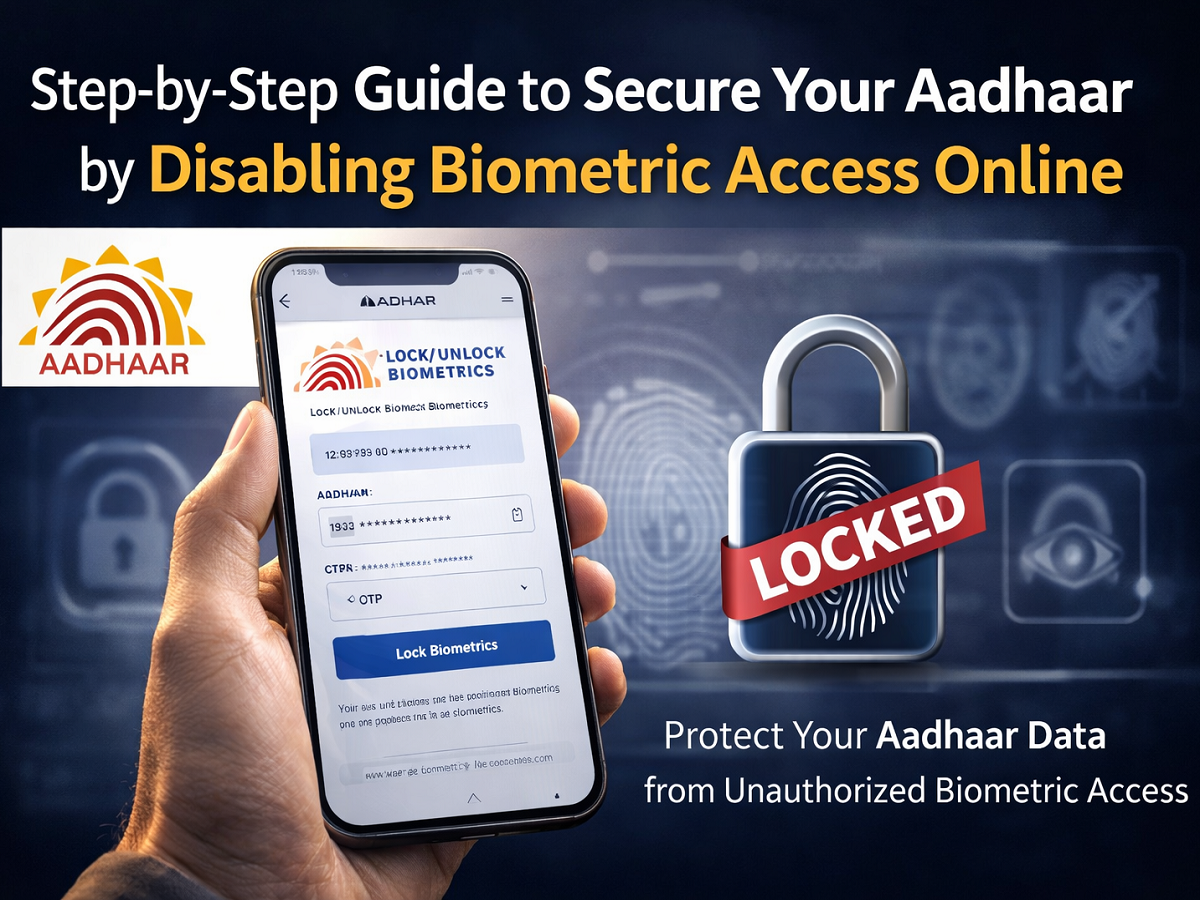
Protecting your digital identity is more important than ever, especially when Aadhaar is widely used for banking, telecom services, government benefits, and financial transactions. One effective way to strengthen your personal data security is by disabling biometric authentication linked to your Aadhaar number. This feature allows you to prevent the use of your fingerprints and iris scans for verification until you choose to enable them again.
The biometric lock facility is offered by the Unique Identification Authority of India (UIDAI), the government body responsible for issuing and managing Aadhaar numbers. By activating this feature, individuals can add an extra layer of protection to their identity and reduce the risk of unauthorized access.
What Does Disabling Aadhaar Biometrics Mean?
When you lock your Aadhaar biometrics, you temporarily deactivate fingerprint and iris-based authentication. This means that no one can use your biometric details to verify your identity for Aadhaar-based services unless you unlock them.
This feature is particularly helpful in situations such as:
- Losing your Aadhaar card
- Suspecting identity misuse
- Wanting additional privacy protection
- Rarely using biometric authentication
The best part is that this setting is not permanent. You can unlock your biometrics whenever needed, making it a flexible and user-controlled security option.
Why You Should Consider Securing Your Biometric Data
Aadhaar authentication is widely accepted across multiple sectors. While the system is designed to be secure, adding a biometric lock ensures that your fingerprint or iris scan cannot be used without your knowledge.
By disabling biometric access, you:
- Minimize the risk of identity theft
- Prevent unauthorized authentication attempts
- Maintain full control over when your biometrics are used
- Enhance overall Aadhaar security
This proactive approach strengthens your digital safety without affecting other Aadhaar services.
How to Disable Aadhaar Biometric Authentication Online
You can secure your biometric data either by visiting an Aadhaar enrollment center or by using the official online portal. The online method is simple and can be completed in just a few minutes.
Follow these steps carefully:
Step 1: Visit the Official UIDAI Website
Open your browser and go to the official website of the Unique Identification Authority of India at https://uidai.gov.in. Ensure you are on the authentic government portal before proceeding.
Step 2: Navigate to the Biometric Lock Feature
On the homepage, locate the “Lock/Unlock Biometrics” option under Aadhaar services and click on it.
Step 3: Enter Your Aadhaar Number
Provide your 12-digit Aadhaar number in the required field. Double-check the number to avoid errors.
Step 4: Complete the Security Verification
Enter the captcha code displayed on the screen to confirm that the request is genuine.
Step 5: Generate a One-Time Password (OTP)
Click on the “Generate OTP” button. A One-Time Password will be sent to your registered mobile number linked with Aadhaar.
Step 6: Verify Using OTP
Enter the OTP received on your mobile device within the given time frame.
Step 7: Activate the Biometric Lock
After successful verification, select the option to lock your biometrics and confirm your request. You will receive a confirmation message once the process is completed.
How to Re-Enable Biometric Authentication
If you need to use fingerprint or iris verification in the future, revisit the same section on the UIDAI portal and follow the OTP-based process to unlock your biometrics. The system allows you to toggle the feature on and off whenever required.
Key Points to Remember
- Your mobile number must be linked with Aadhaar to use this online service.
- Biometric authentication will not work while the lock is active.
- The feature is free of cost.
- Always use the official UIDAI website to avoid fraudulent portals.
Conclusion
Disabling biometric access linked to your Aadhaar is a simple yet powerful way to safeguard your identity. As digital services continue to expand, taking preventive security measures becomes increasingly essential.
The process is quick, user-friendly, and entirely under your control. If protecting your personal data is a priority, activating the biometric lock feature can offer added peace of mind and stronger digital security.