Business
Sent ₹11,000 to the wrong person via UPI? Wondering how to get it back? MyUPI offers a quick and easy solution..
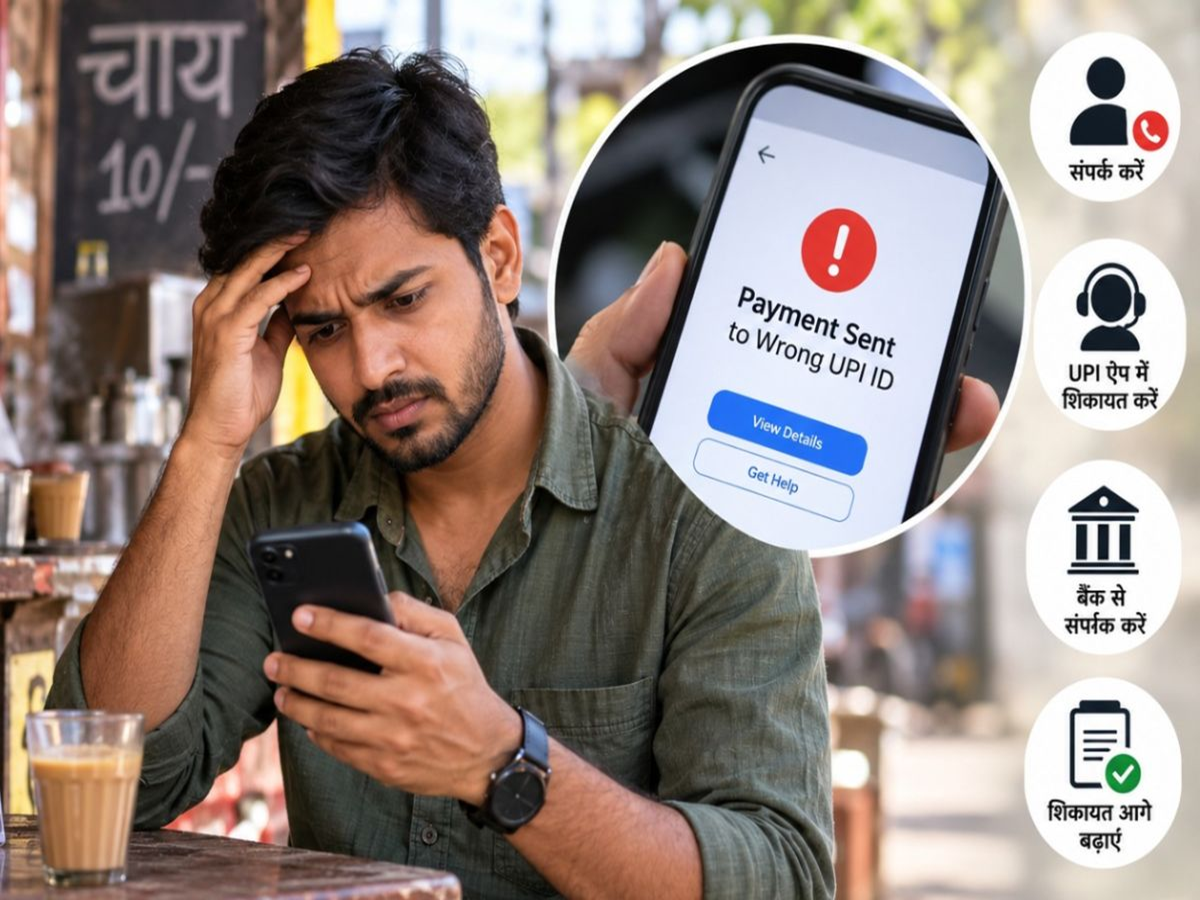
If you use UPI for payments everywhere—from small roadside tea stalls to large shopping malls—you'll want to know this important update. The NPCI has launched an excellent platform where you can find solutions to any issues related to UPI. Let’s explore how it can help, especially in cases where your money gets stuck during a transaction.
What has the NPCI launched?
The NPCI has introduced a platform called 'MyUPI' (https://www.upihelp.npci.org.in/issue), which consolidates all information related to your UPI transactions in one place. You no longer need to run from pillar to post to resolve UPI-related issues; you can now track everything concerning your UPI activity in a single location.
What are the key features of MyUPI?
MyUPI has been designed to ensure that users do not have to make repeated visits to different banks or customer care centers to resolve various issues. It offers 8 major features directly linked to your finances and security:
Safety Switch (Stop payments instantly in an emergency): If you lose your phone or suspect fraud, this feature allows you to immediately block UPI payment services across your linked bank accounts.
Ask AI (Instant solutions to your queries): Whether you have questions about UPI rules, technical issues, or any other doubts, you can get immediate answers by asking the platform’s AI assistant directly.
Pay Safe (Verification before sending money): To prevent money from being sent to the wrong person or a fraudulent account, this tool provides essential verification and details about the recipient (payee) before you initiate a transfer.
Complaints: If a transaction fails or your money gets deducted but remains stuck, you can file a complaint directly through this platform. Users can upload evidence (such as screenshots or references) and track the real-time status of their complaints.
UPI Autopay: You can pause, resume, or cancel recurring payments—set up for services like OTT platforms, EMIs, or bill payments—at any time, according to your preference.
Transactions: There is no need to check passbooks across various apps. You can view a complete list of all transactions from the last 60 days in one place, with convenient filtering options.
UPI Number (Mobile Linking Management): You can easily see which bank account is linked to your mobile number and, if necessary, remove (delete) that link.
Repeat a Payment: You can make a payment to an individual or merchant you have paid previously with just a single click—no need to search for their number or QR code again.
In short, if your money ever gets stuck, or if you lose track of an active Autopay arrangement, you can find all the relevant details on MyUPI.
PC Social Media