
LIFESTYLE
Attention Galaxy users! Fed up with frequent battery drains? Samsung reveals these handy secret hacks..

If you use any Samsung Galaxy series, are happy with every feature of this phone, but are fed up with the battery draining quickly, then this news is for you. Exclusively for Galaxy phone users, the company itself has shared some simple tips to help your phone last longer. Let's find out what those simple tips are...
1. Lower the screen brightness - The screen on a Galaxy phone consumes the most battery. Lowering the brightness and reducing the screen timeout can make a significant difference in battery life. Swipe down from the top of the screen and move the brightness slider slightly to the left. Also, set the screen to auto-off in 30 seconds and keep auto-brightness on.
2. Delete useless apps - Often, we keep apps on our phones that we haven't opened for months. These apps run in the background and silently consume battery power. Press the app icon on the home screen and select 'Uninstall', or go to Settings and delete multiple apps at once from the Apps section. If a pre-installed app can't be removed, disabling it is a better option.
3. Always On Display - Samsung's Always On Display feature is handy for viewing the time and notifications, but it also drains battery. You can turn it off in Settings, then Lock Screen, then Always On Display, or enable it only for specific times.
4. Wi-Fi and GPS - If you're not using Wi-Fi, Bluetooth, or GPS, turn them off. These features constantly search for a signal, which can drain the battery quickly. They can be easily toggled on and off from the Quick Settings menu.
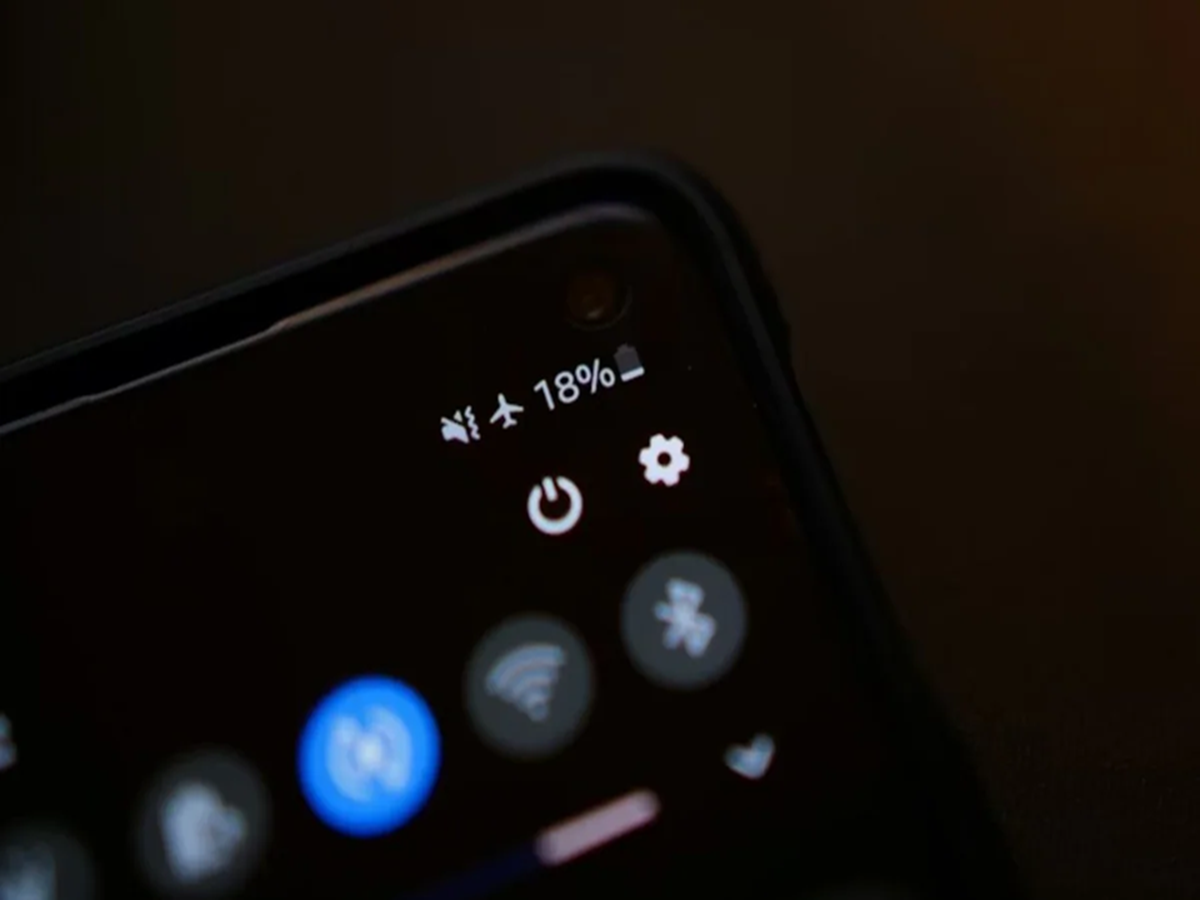
5. Use Power Saving Mode - Power Saving Mode is an effective way to save battery. Turning it on reduces background activity, dims the screen slightly, and limits phone performance, but in return, the battery lasts longer. You can turn it on manually from the Battery section in Settings, or set it to automatic.
PC Social Media