
LIFESTYLE
Apple Lockdown Mode: What is that 'secret' feature of iPhone, which even made the FBI sweat?
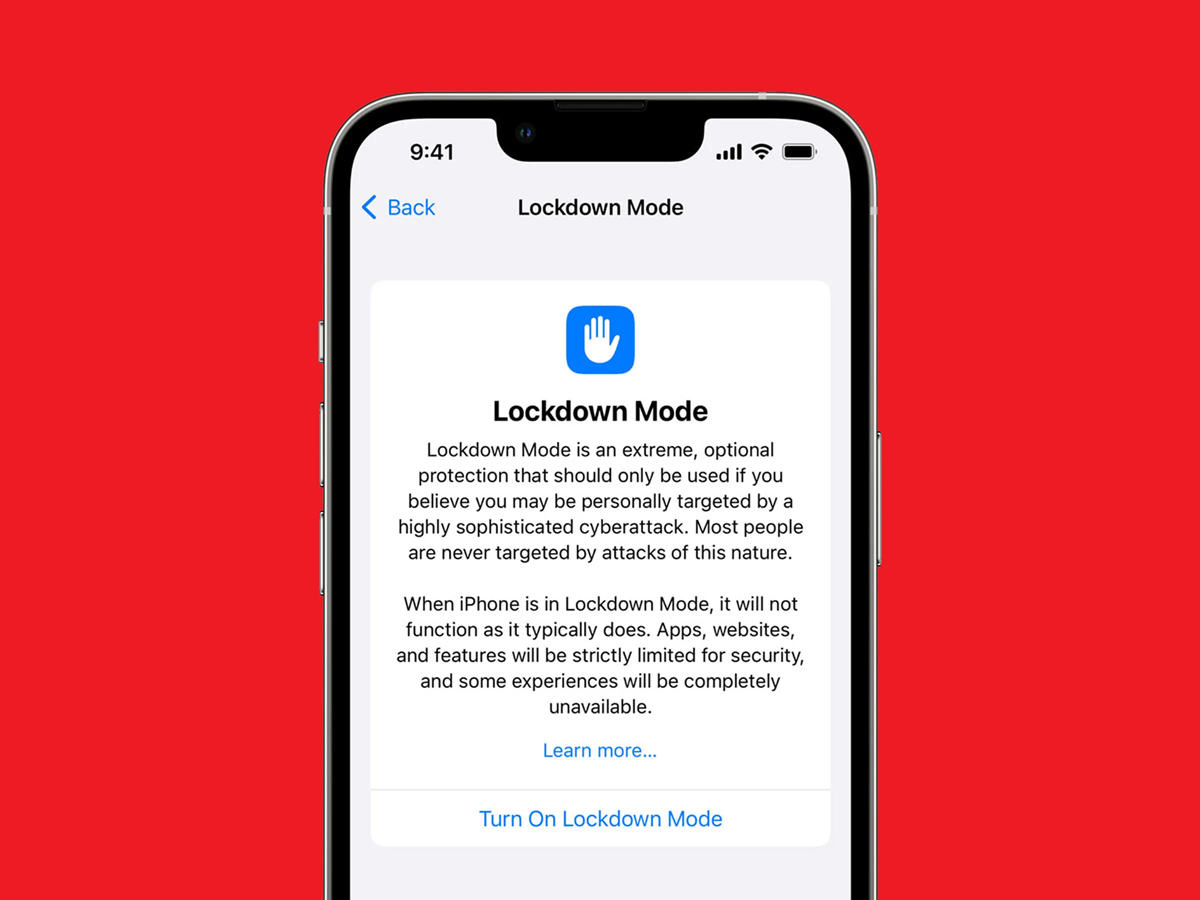
Apple is known worldwide for its security features. This is why people are willing to pay exorbitant prices to purchase this phone. You may be surprised to know that Apple's iPhone has a special security feature that even the US investigative agency, the Federal Bureau of Investigation (FBI), cannot unlock. This security feature is called "Lockdown Mode." Recently, this feature came into the spotlight when even the FBI was unable to extract data from a journalist's iPhone because the phone was in Lockdown Mode. This incident demonstrated the powerful security shield this feature provides.
What is Lockdown Mode?
Lockdown Mode is a highly secure feature of Apple, specifically designed for those who may be at risk of cyberattacks or espionage. According to Apple, this feature is not necessary for ordinary users, but rather for those who, for some reason, may be vulnerable to digital attacks, such as journalists, government officials, or high-profile individuals. This feature is available in iOS 16, macOS Ventura, and newer operating systems.
How does Lockdown Mode work?
When Lockdown Mode is enabled, the security of your iPhone, iPad, or MacBook is significantly enhanced, making it more difficult for hackers or spyware to penetrate the device. In this mode, many apps and features are limited or completely disabled, and some websites may not load properly or perform slowly. Many attachments are blocked in the Messages app, while FaceTime calls are only accepted from previously contacted numbers. Additionally, location information is removed when sharing photos, and connections to unsecured Wi-Fi networks or other accessories are strictly controlled. These restrictions are primarily intended to reduce the risk of potential cyberattacks on the device and strengthen your security.
Even the FBI couldn't unlock an iPhone in lockdown mode.
In one case, the FBI seized an iPhone and a MacBook from the home of Washington Post journalist Hannah Nathanson. The investigating agency stated that its technical team could not extract data from the iPhone because lockdown mode was activated. While the agency was able to unlock the MacBook using biometrics (fingerprints), it couldn't access the iPhone without the passcode.
Why is a passcode more secure than a biometric?
According to experts, a passcode is more reliable for securing a phone than Face ID or fingerprint. This is because law enforcement agencies can force a person to unlock their phone using their face or finger, but forcing them to reveal the passcode isn't always possible. Therefore, lockdown mode further strengthens the security of the passcode, making it extremely difficult to gain unauthorized access to the device.
How to activate lockdown mode?
On an iPhone or iPad,
Open Settings
Go to Privacy & Security
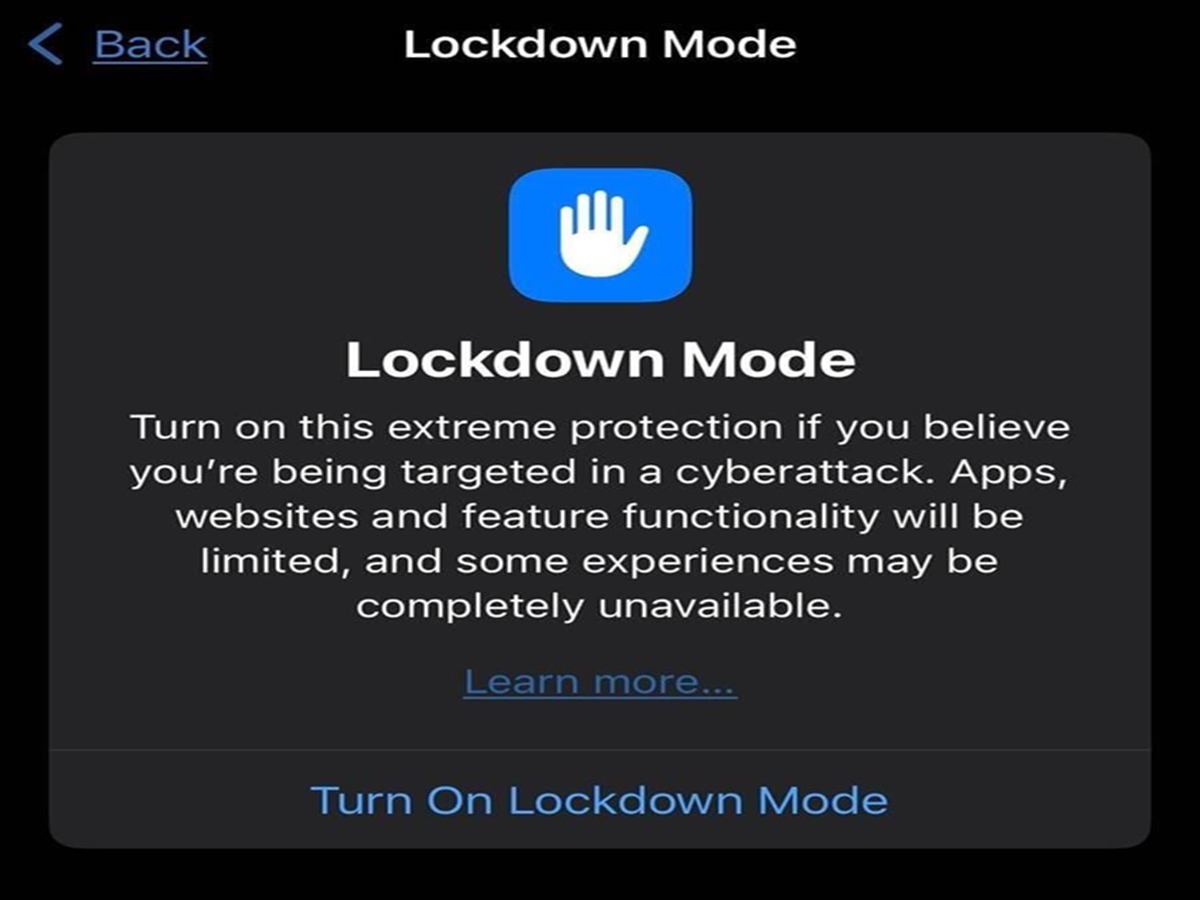
Scroll down and tap Lockdown Mode
Select Turn On Lockdown Mode
Enter your passcode
The phone will restart, and Lockdown Mode will be activated.
How to turn on Lockdown Mode on a MacBook?
Open System Settings
Go to Privacy & Security
Select Lockdown Mode
Turn it on and enter the passcode.
What problems can occur when Lockdown Mode is on?
This feature is very secure, but it can cause some inconveniences:
Features in some apps will not work properly
Photos or fonts on some websites will not appear
QR code scanning or the camera will not work in some situations
Some internet features will be limited
Therefore, Apple recommends using it only when necessary.
How to turn off Lockdown Mode?
Follow the same process to turn off Lockdown Mode:
Settings > Privacy & Security > Lockdown Mode
Enter the passcode
The phone will restart, and the feature will be turned off.
PC Social Media