Business
Facing trouble downloading your Aadhaar card? Your problem can be resolved in 2 minutes; just avoid making these mistakes..
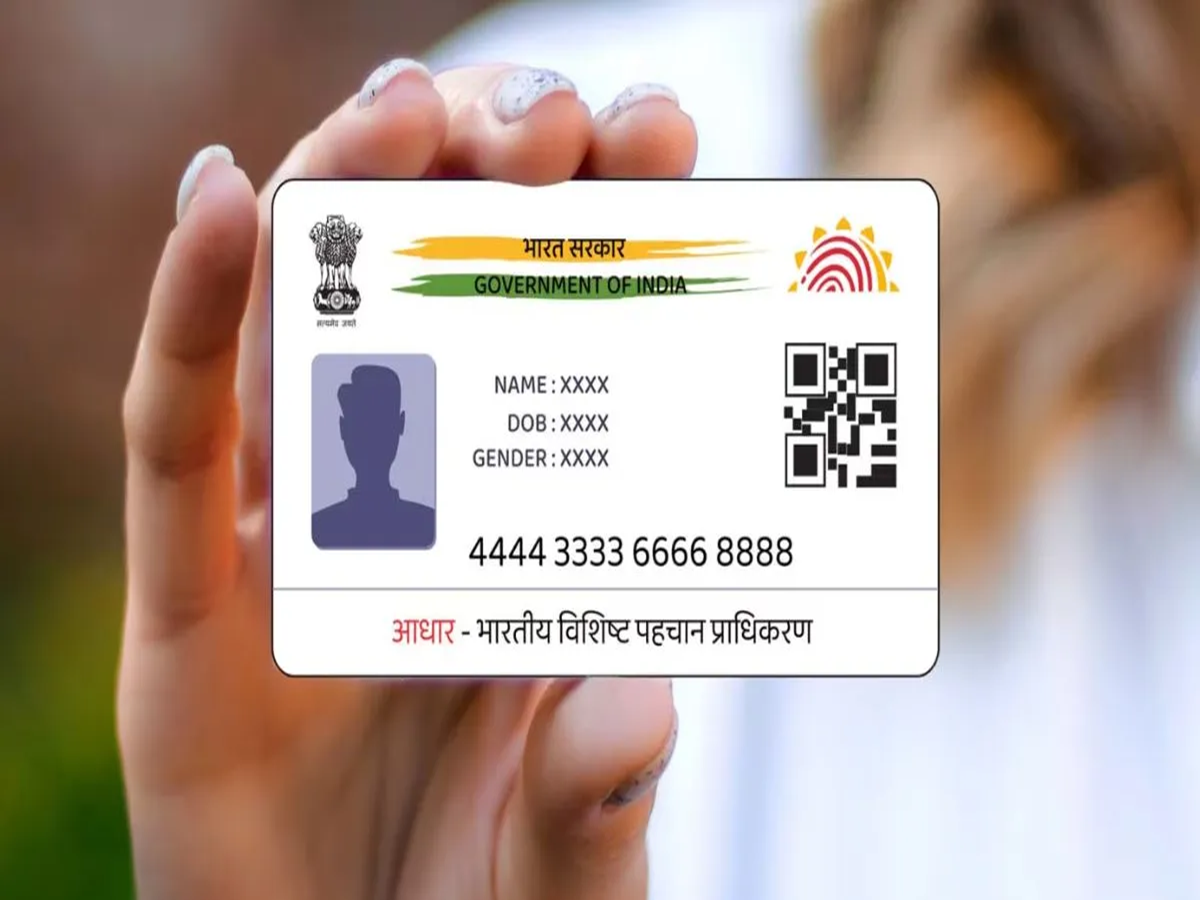
In today's times, the Aadhaar card is considered an essential document. It is required for tasks such as opening a bank account, purchasing a mobile SIM card, booking a hotel room, and various other important activities. If you lose your physical Aadhaar card or misplace it, you can easily download it in this digital age.
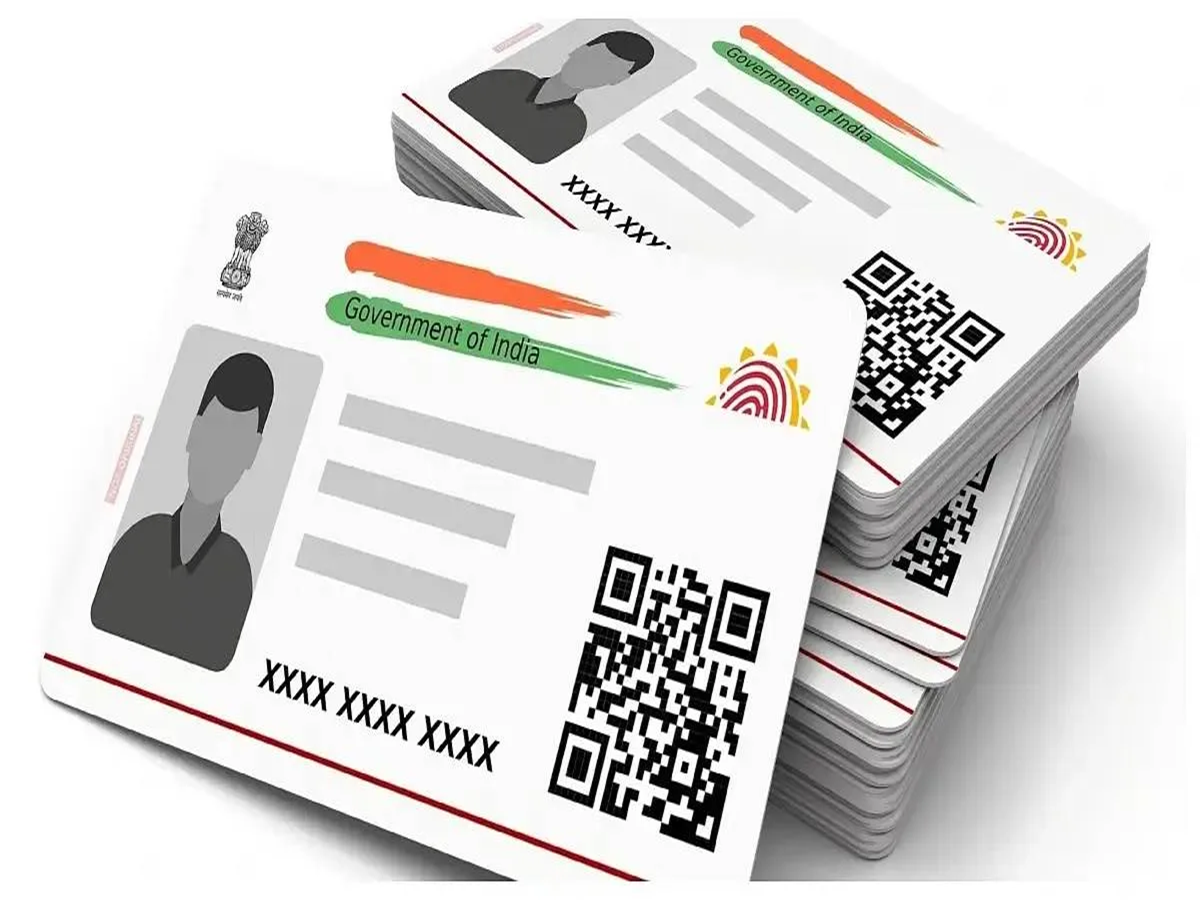
However, what if you encounter problems while trying to download your Aadhaar card online during an emergency? People often face difficulties with online downloads; here is what you need to keep in mind to avoid such issues.
When downloading an Aadhaar card, people often make mistakes such as entering an incorrect Aadhaar number, failing to receive the OTP on their mobile number, or dealing with a weak internet connection. Here are the points you should pay attention to:
1. Entering an Incorrect Aadhaar Number
Entering incorrect information is the most common reason for failing to download an Aadhaar card. People often enter the Aadhaar number incorrectly or miss a digit due to haste. Even a single-digit error prevents the UIDAI system from verifying your details, halting the download process. Therefore, always double-check the information after entering it.
2. Server Load
Sometimes, issues with downloading Aadhaar arise due to the UIDAI server itself. When a large number of people use the website simultaneously for downloading, updating, or accessing other Aadhaar-related services, the server becomes overloaded. During such times, the website may run slowly, preventing the download from completing successfully.
3. Not Receiving the OTP on the Mobile Number
To download the e-Aadhaar, UIDAI sends a One-Time Password (OTP) to your registered mobile number. If your mobile number is not linked to your Aadhaar, or if there is a weak network signal or an inactive plan (lack of recharge), you may face difficulties receiving the OTP. Failure to receive the OTP hinders the Aadhaar download process.
4. Network Issues
A high-speed internet connection is essential when downloading your Aadhaar. If your mobile lacks data or there are issues with your Wi-Fi connection, the website may fail to load completely. This can cause the download process to stall or result in an error message.
5. Entering an Incorrect Captcha
Whenever you perform any task related to your Aadhaar card, entering a Captcha code on the UIDAI website is mandatory for security purposes. If you enter the Captcha incorrectly or fail to input the characters precisely, the system will not accept your request, and consequently, it will not be approved.
6. Trouble Opening the PDF?
Sometimes, even after the e-Aadhaar is downloaded, it fails to open due to the password requirement. To open the PDF, enter the first four letters of your name (in CAPITAL letters) followed immediately by your year of birth (YYYY). For example, if your name is Ayushi and your birth year is 1999, the password would be AYUS1999.
PC Social Media