
LIFESTYLE
SIM Card: How does a SIM card get damaged while still in your phone? Are you making these mistakes?
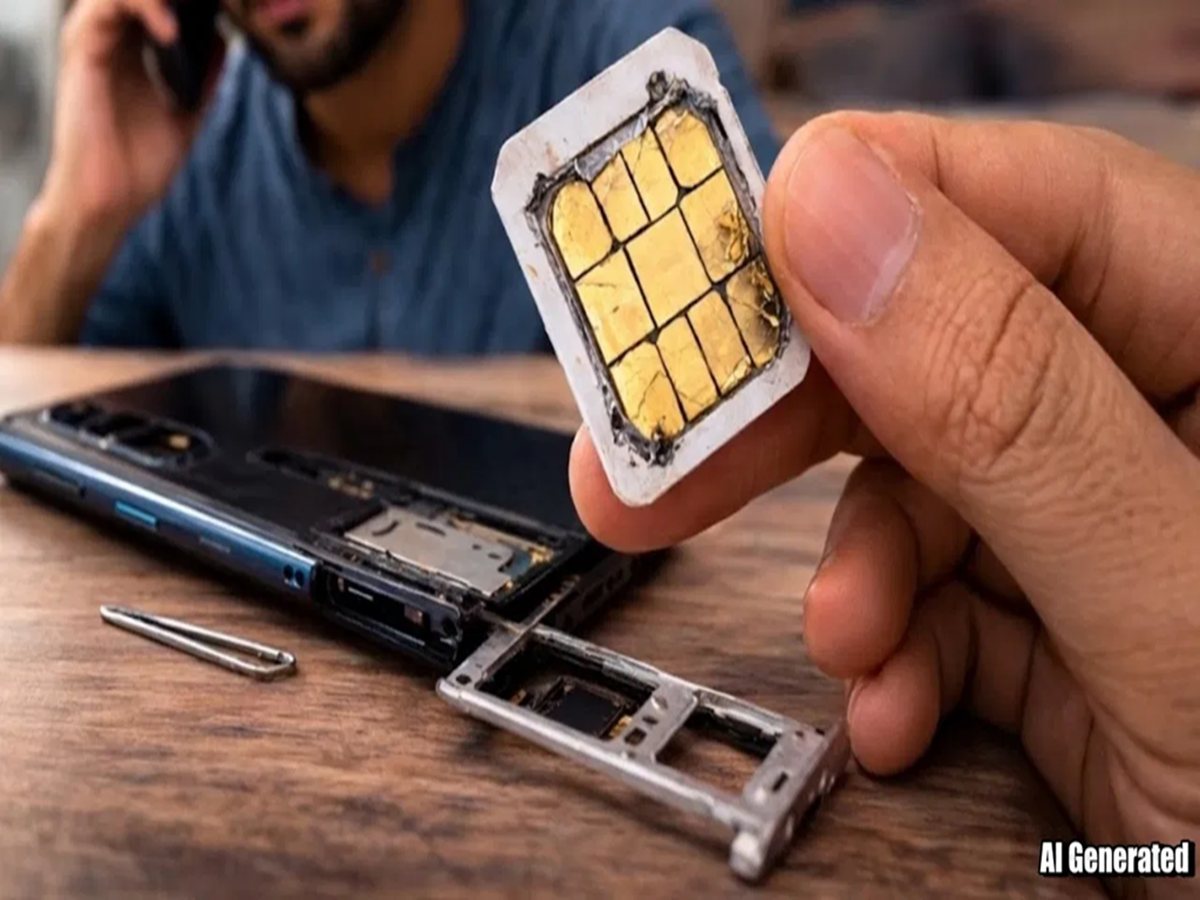
In this age of smartphones, the SIM card is our digital foundation. But sometimes users are surprised when the SIM card stops working without any external damage. Some of the reasons for this failure are as follows:

1. Moisture and Liquid: The main reason
Damage to the SIM card isn't necessarily caused by a phone falling into water. If you live in a humid area or use your phone with sweaty hands, steam entering the phone can cause oxidation on the SIM card's gold-plated chip, breaking the electrical connection between the SIM card and the phone.
2. Overheating: A Serious Problem
The SIM card is primarily made of plastic and a microscopic silicon chip. When you engage in heavy gaming or use your phone in the sun for a long time, the temperature of the SIM card tray increases. This excessive heat can permanently damage the SIM card's internal circuitry.
3. Voltage Fluctuations and Charging
Did you know that a faulty charger can also damage the SIM card? If a voltage spike occurs during charging, it travels through the phone's motherboard to the SIM tray, potentially corrupting the SIM's small memory.
4. Old Chip and Wear
If you've been using the same SIM for 5-6 years, its metal contacts wear out. Vibrations and slight movements of the phone can also cause friction on the chip, causing it to display an invalid SIM after a while.
How to tell if your SIM is malfunctioning?
If your phone repeatedly displays a "No SIM" or "SIM Failure" message, the SIM card may be malfunctioning.
Suddenly losing network signal and then returning.
Sound cuts out during calls, or calls are frequently dropped.
No network connection, even after inserting the SIM into another phone.
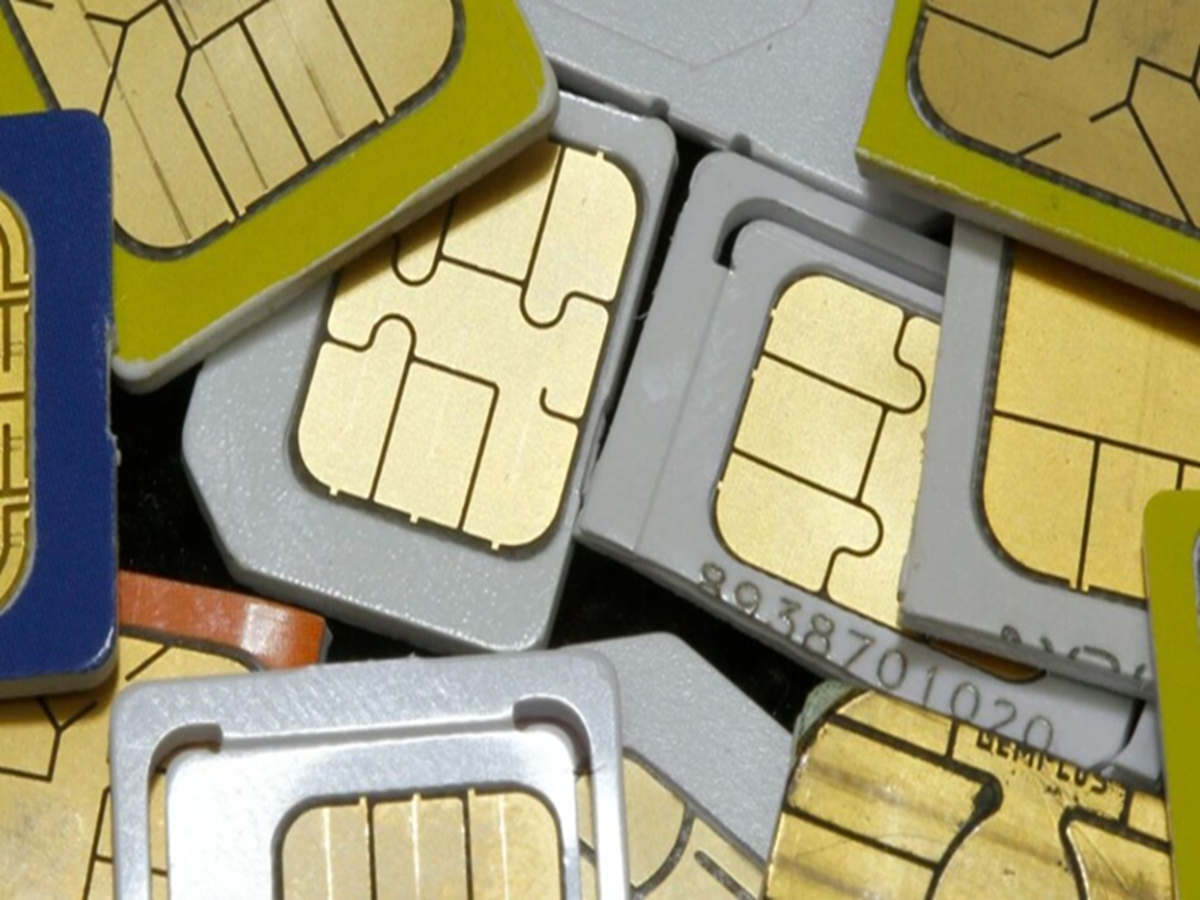
How to keep your SIM safe?
Cleaning: Remove the SIM once a month and gently clean it with a soft, dry cloth or eraser.
Use a good charger: Always use an original or branded charger.
Don't remove it repeatedly: Avoid repeatedly opening the SIM tray to avoid physical damage.
PC Social Media