LIFESTYLE
Free AI Video: Create HD videos from just photos, Grok Imagine 1.0 launched, learn how to use it for free..
In the digital age, AI tools are rapidly transforming content creation. Photo editing used to be a difficult task, but now AI can turn photos into animated videos in seconds. Many viral videos seen on social media are created using these AI tools. Until now, most tools were paid, but Grok Imagine 1.0 has attracted users' attention by offering free access.
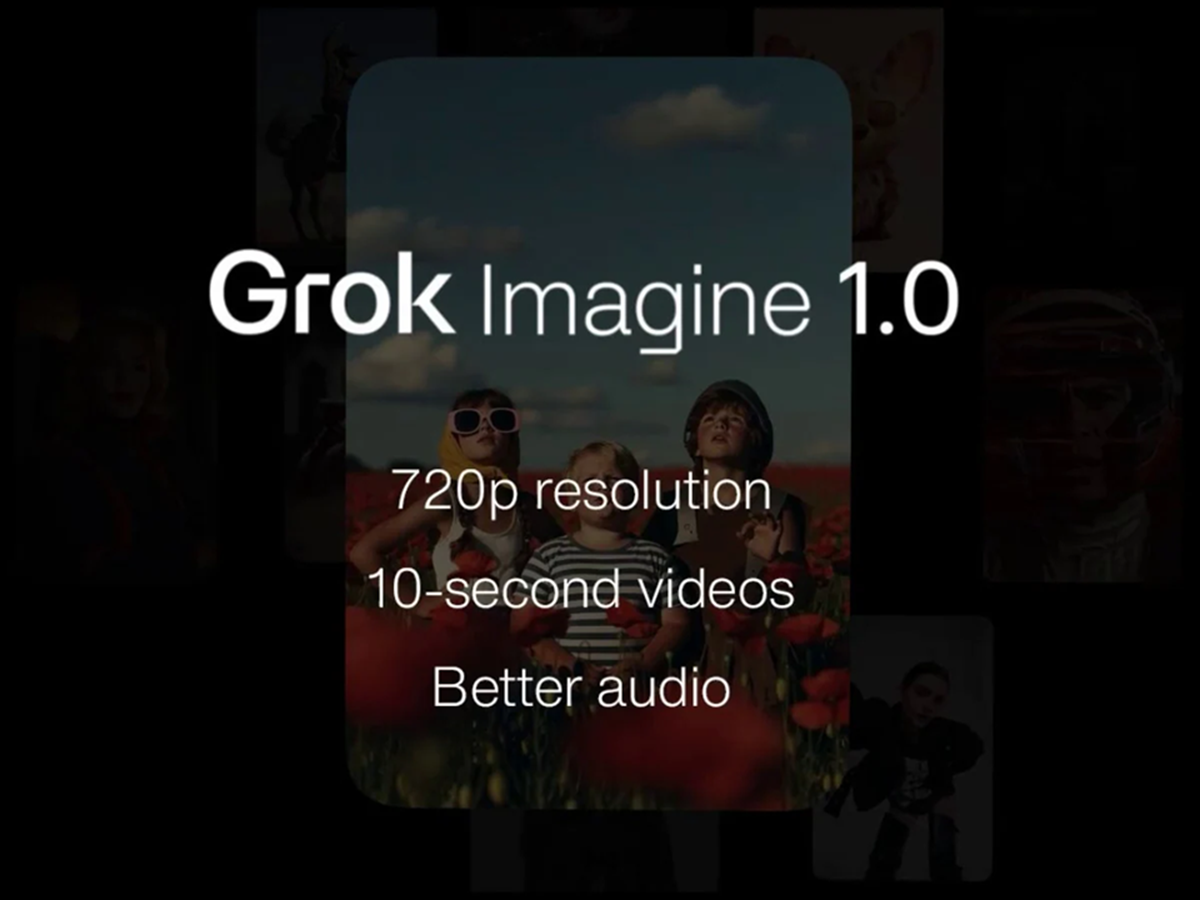
What is Grok Imagine 1.0?
Grok Imagine 1.0 is a generative video tool from Elon Musk's company XAI. It can be used to create 10-second HD videos from photos, giving them a creative and cinematic look. It is currently available for free, making it especially useful for social media creators and short video makers.
How to create a video from a photo for free?
Converting your photo into a video is very easy. You just need to follow the simple steps below. To do this, first:
Access: First, go to grok.com/imagine on your browser.
Log-in: Sign in using your Twitter ID.
App Download: For a better experience, you can download the app from the Play Store or App Store.
Select Options: In the app's interface, you'll see the Create Video option; click on it.
Photo Upload and Prompt: Select a photo from your gallery. Now, in the box below, write the desired movement in the video (e.g., Make the river flow or Add a cinematic zoom).
Result: After entering these prompts, you'll see the result in a few moments. Your HD video will be ready.
Why is this tool special?
The biggest feature of Grok Imagine 1.0 is that it doesn't require a paid subscription. While most AI video tools only allow for HD video creation, this tool allows users to create high-quality videos of up to 10 seconds for free. Its interface is quite simple, making it easy for even those without technical knowledge to use. Users can simply upload a photo and describe the video they want to create in text, such as movement, lighting, or style, and the tool generates the video based on that. However, the video length is currently limited to 10 seconds, which may be insufficient for some users.
What to keep in mind?
Videos created by AI are not always completely perfect or realistic. Sometimes, slight errors in movement, facial expressions, or backgrounds may be visible. Furthermore, if a user creates videos that spread misleading or false information, they could face legal trouble. Deepfakes or content that defames someone can be particularly risky. Furthermore, it's important to be cautious when using someone else's copyrighted photo or image without permission, as doing so could lead to legal disputes.
PC Social Media