
LIFESTYLE
Flight bookings are about to get cheaper! Get the lowest-priced tickets using these 5 Google Flights tricks—find out how..
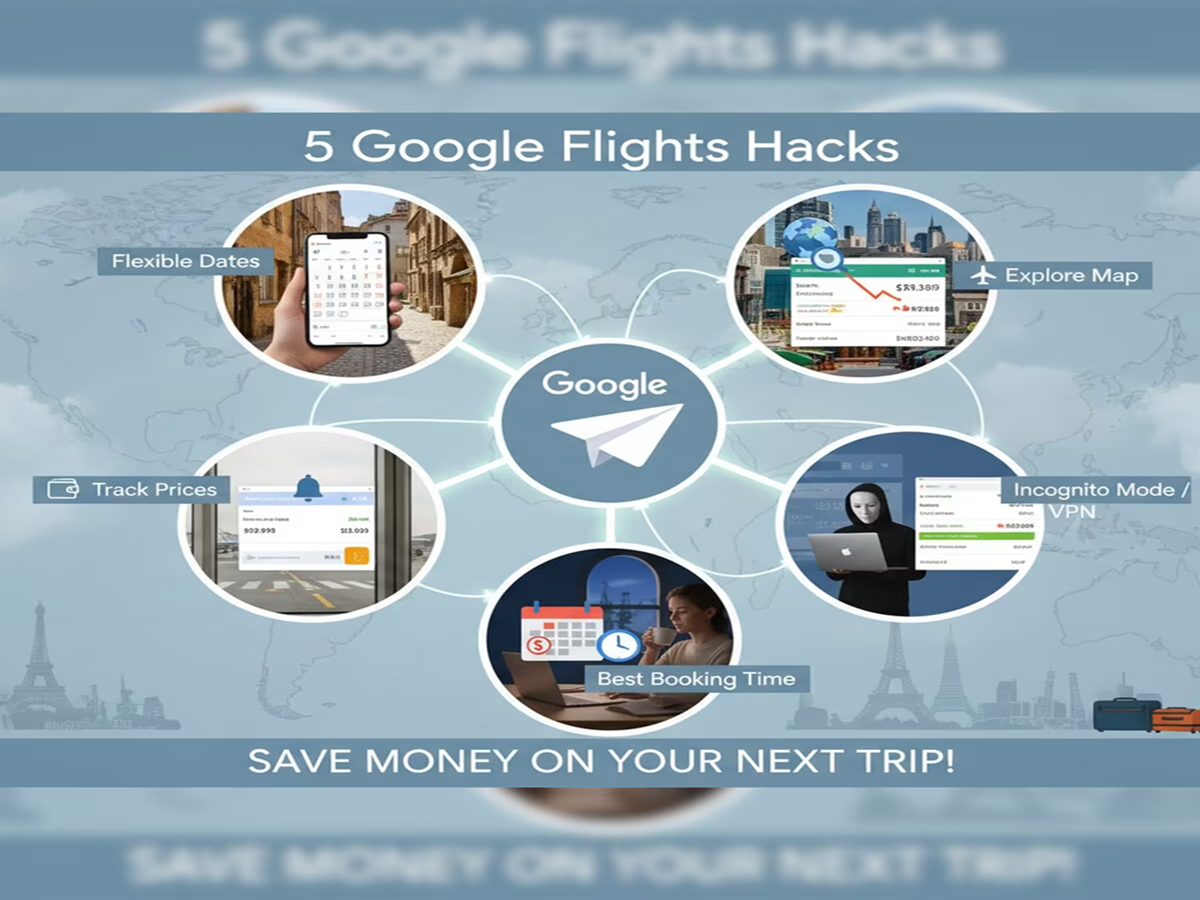
Google Flights Tricks: Air travel has become much easier these days compared to the past, yet flight ticket prices can often disrupt your budget. If you want to book tickets at a lower cost, Google Flights can prove to be an excellent tool. It allows you to compare prices across different airlines, find cheaper travel dates, and receive updates when fares drop. Here are five Google Flights tricks that can help reduce the cost of your next trip…

Use the price tracking feature.
If your travel dates are fixed but ticket prices are currently high, enable price tracking. Google will notify you via email as soon as the fare changes, making it easier to book tickets at a lower price at the right moment.
Check the date grid and price graph.
The date grid and price graph features on Google Flights display ticket prices for various dates. If your travel dates are flexible, shifting your departure or return date by a day or two could help you find significantly cheaper tickets.
Consider nearby airports
Flying from or landing at a nearby airport instead of the one in your city can often be cheaper. Google Flights shows options for nearby airports, which can help lower the total cost of your trip.
Discover new places with flexible destinations.
If you have decided when to travel but haven't picked a destination, use the ‘Explore’ feature on Google Flights. It shows the cheapest flights to various cities and countries based on your budget, allowing you to plan a trip to a new place at a lower cost.

Book in advance and compare.
Booking tickets at the last minute is common. Try searching for tickets a few weeks in advance for domestic travel and a few months ahead for international travel. Also, compare different airlines to choose the best option. Keep these points in mind when booking a flight:
- Be sure to check prices for different dates.
- Read the baggage rules beforehand.
- Understand the cancellation and refund policies before booking the ticket.
- Carefully read the terms and conditions of any offers or discounts.
PC Social Media