
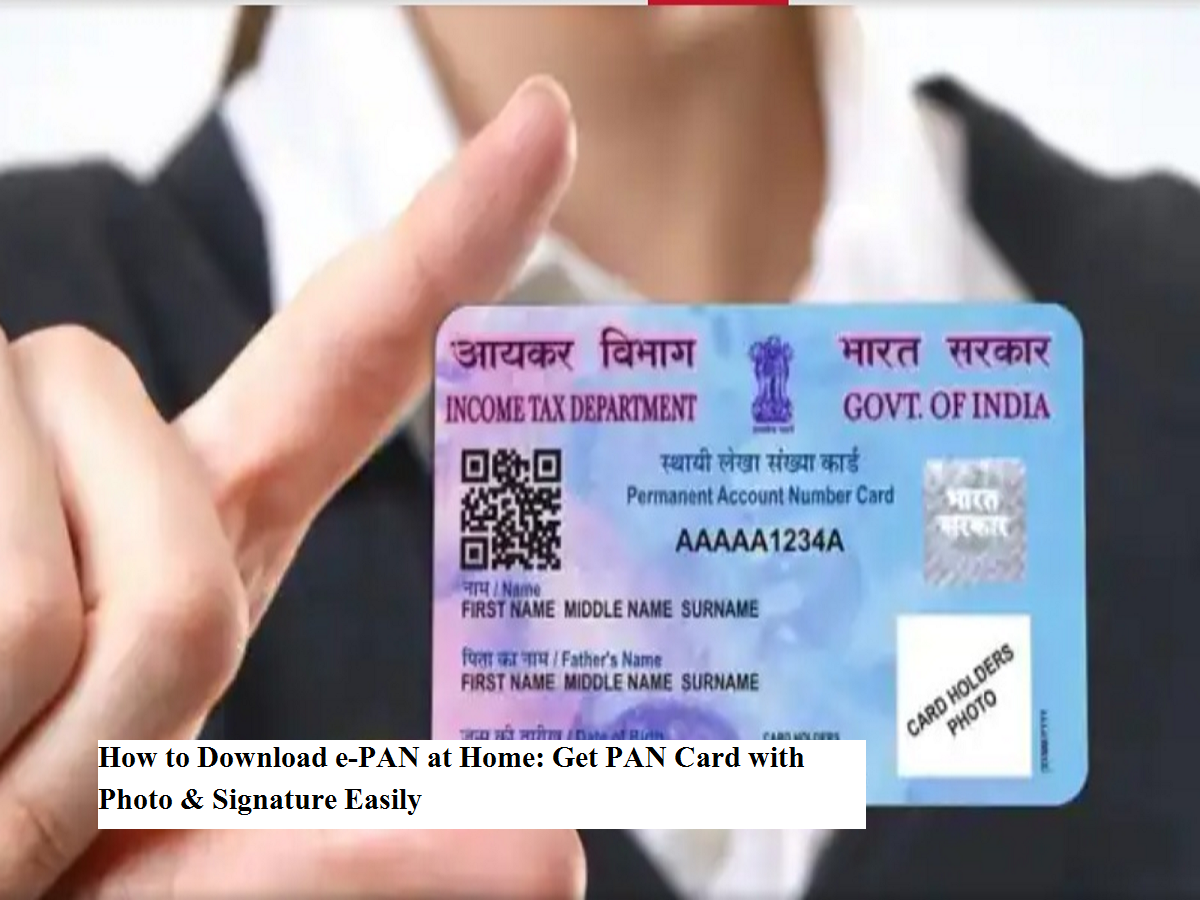
In today’s digital era, keeping important government documents on your phone has become essential. After Aadhaar, the PAN card is one of the most important identity documents required for opening a bank account, filing income tax returns, and completing many financial tasks.
But what if you urgently need your PAN and the physical card isn’t available? That’s where the e-PAN card becomes extremely useful. The good news is that you can now download your e-PAN from home and even update your photo and digital signature if needed.
Here’s everything you need to know.
What Is an e-PAN Card and Why Is It Important?
An e-PAN card is the digital version of your physical PAN issued by the Income Tax Department of India. It is fully valid and can be used anywhere PAN is required for identity or financial purposes.
Under the Digital India push, the e-PAN ensures you don’t have to worry about losing or damaging your physical card. You can store it securely on your phone or computer and access it anytime.
Can You Update Photo and Signature?
Yes. If your old PAN has a blurred photo or outdated signature, you can update it online through Protean eGov Technologies (formerly NSDL) or UTI Infrastructure Technology and Services Limited.
You simply need to:
- Upload a new passport-size photo
- Upload your updated signature
- Submit supporting documents
- Pay the prescribed correction fee
After verification, your updated PAN (including e-PAN) is issued.
Step-by-Step: How to Download e-PAN Online
Follow these simple steps to download your e-PAN instantly:
Step 1: Visit the official e-filing portal of the Income Tax Department.
Step 2: Go to the Quick Links section and click on Instant e-PAN.
Step 3: Enter your Aadhaar number.
Step 4: Verify using the OTP sent to your Aadhaar-linked mobile number.
Step 5: Once verified, download your e-PAN in PDF format.
Your digital PAN will be ready within minutes.
How to Apply for Updated Photo & Signature
If you want a PAN with updated photo/signature:
- Visit the PAN correction section on NSDL (Protean) or UTIITSL website.
- Choose PAN Card Correction/Update.
- Upload new photo and signature.
- Submit documents and pay the fee.
- After approval, download the updated e-PAN.
Security Tips You Must Follow
- Always use only official government or authorized websites.
- Never share Aadhaar OTP with unknown persons.
- Avoid clicking on suspicious links claiming PAN download.
- Keep your e-PAN stored securely.
Password tip: Most e-PAN PDFs are password-protected. The password is usually your date of birth in DDMMYYYY format.
Why e-PAN Is a Smart Choice
- ✅ Instant digital access
- ✅ Legally valid everywhere
- ✅ Environment-friendly
- ✅ Easy to store and share
- ✅ Quick correction facility
With digital services expanding rapidly, the e-PAN card makes managing your financial identity faster and safer. If you haven’t downloaded yours yet, this is the perfect time to do it from the comfort of your home.