Business
Father's and husband's names to be removed from Aadhaar! What is UIDAI's new 'Head of Family' (HoF) rule?
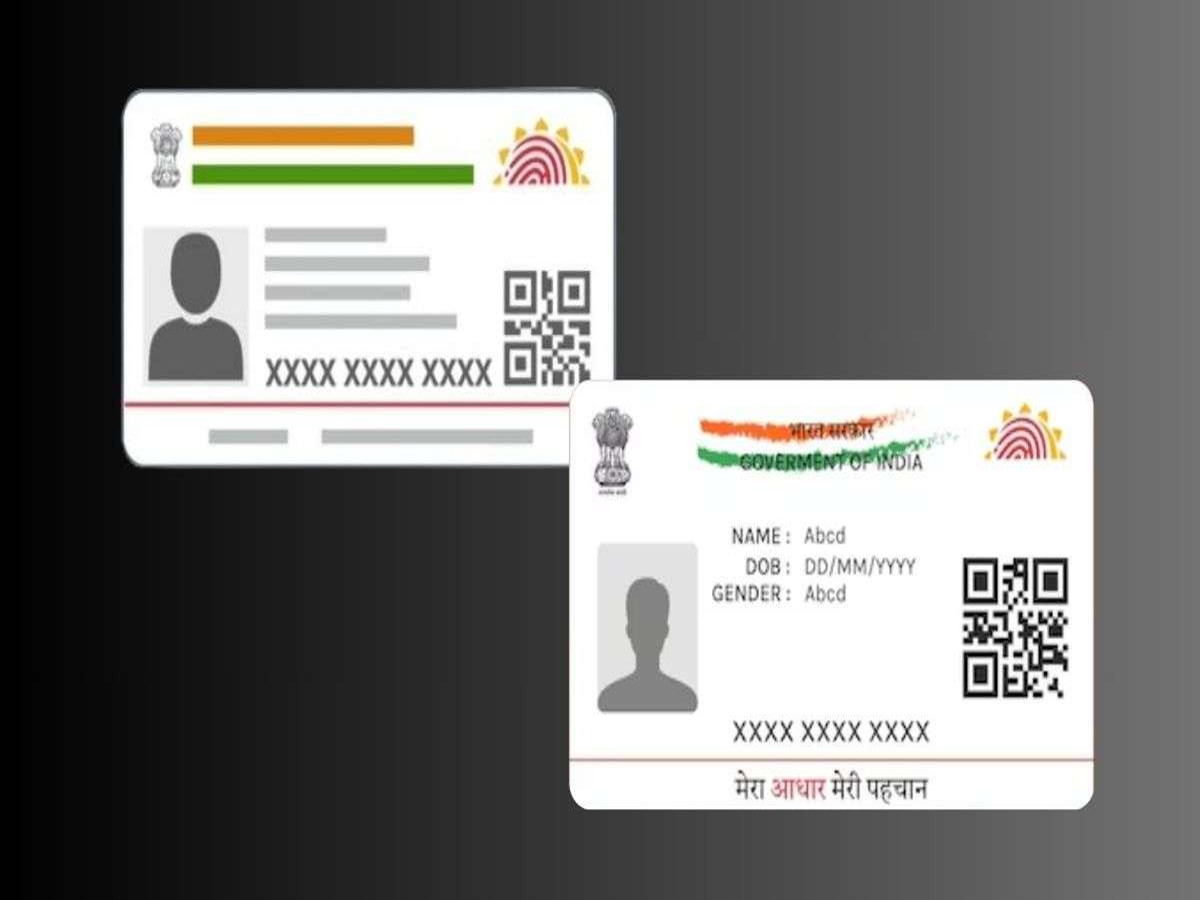
If the address section of your Aadhaar card currently lists the name of your father, husband, or a relative, there is important news for you. Under new regulations, the Unique Identification Authority of India (UIDAI) has removed the 'Care of' (C/O) option from the address section of the Aadhaar card. This has raised questions for many: will the names of fathers, husbands, or guardians no longer appear on the Aadhaar card? Let us understand these new rules in detail.
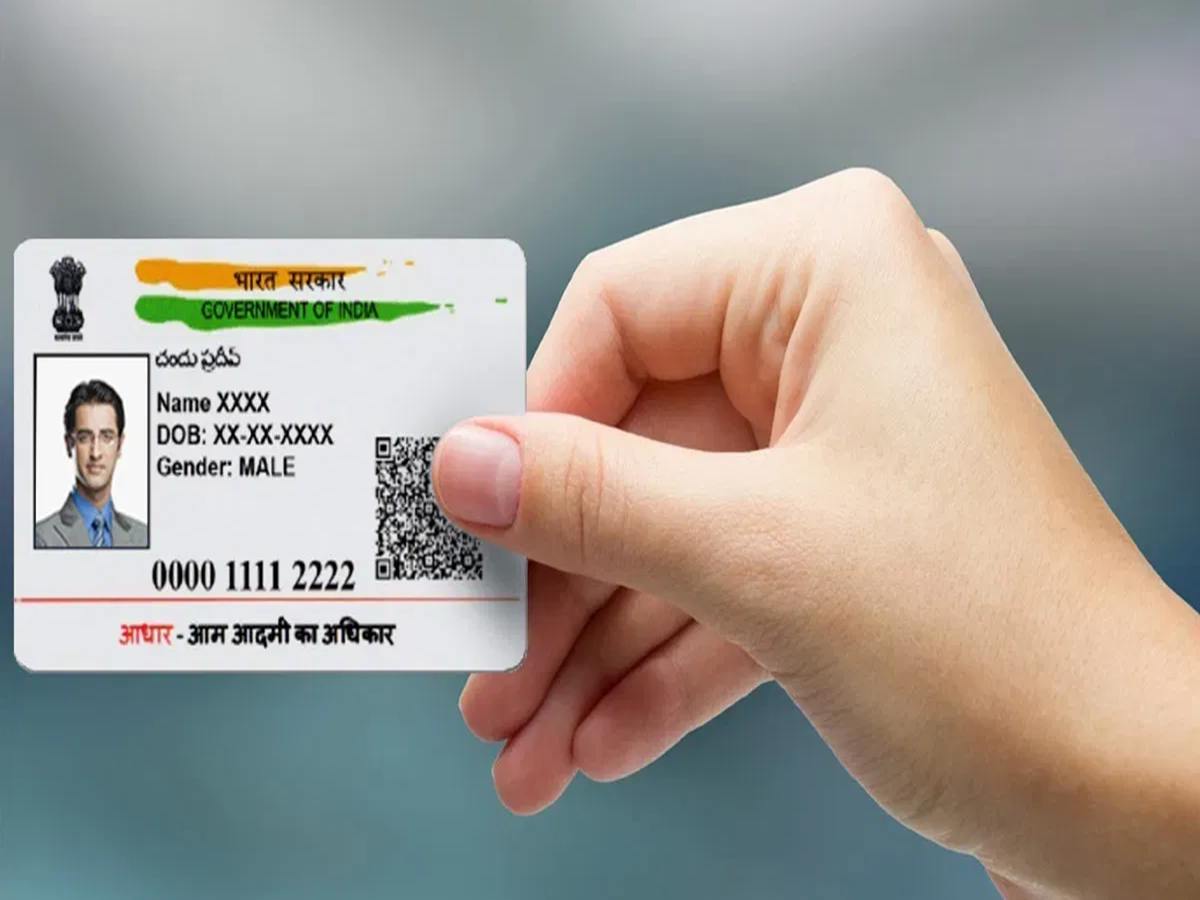
What is the new UIDAI rule?
According to this new UIDAI rule, the 'Care of' option has been removed from the address section. However, this does not mean you cannot include your guardian's name on your Aadhaar card. If you wish to include the name of your father, mother, husband, or any other guardian, you can add their name as a prefix to the address itself. To do this, you must use the 'Family Member/HoF-based Address Update' feature.
Who can be the Head of Family?
You can designate any eligible family member as the Head of Family (HoF). This includes parents, spouses, and other relatives. However, please note that you cannot select a sibling (brother or sister) as the Head of Family.
How to update the address online
If you wish to update your address based on the Head of Family, you can do so from the comfort of your home. You can use the official UIDAI website (uidai.gov.in / myaadhaar.uidai.gov.in) or the Aadhaar App for this purpose.
Address update process:
Open the official UIDAI website or the Aadhaar App.
After logging in, click on the 'Update Address' option.
Select the 'Head of Family (HoF) Based Address Update' option. Enter the Aadhaar number of the family member (father, mother, spouse, etc.) whom you are designating as the Head of Family (HoF).
Subsequently, a request or OTP will be sent to the registered mobile number of the designated HoF. The process will be completed once they provide their approval.
PC Social Media